Home visits have largely supplanted physiotherapy. Not completely, but way more than anyone expected five years ago. For patients recovering from surgeries, managing chronic conditions, or dealing with mobility issues, waiting rooms sound like another hurdle to cross to get the care they need. They instead want a physiotherapist to visit their homes.
The stats show this as well: the global Physiotherapy at home market is projected to reach US$28.7 Bn by 2034 at a 6.7% CAGR (source).
However, many organizations underestimate the operational complexity of running mobile physiotherapy services. Your Dynamics 365 ecosystem has addresses, names, and appointment times. All sitting in rows that tell you absolutely nothing about actual geography.
Your coordinators end up squinting at spreadsheets, going “wait, how will this address fit into today’s route?” It’s exhausting. What you need is a tool that can visualize all this data into perfectly aligned coordinates on a map.
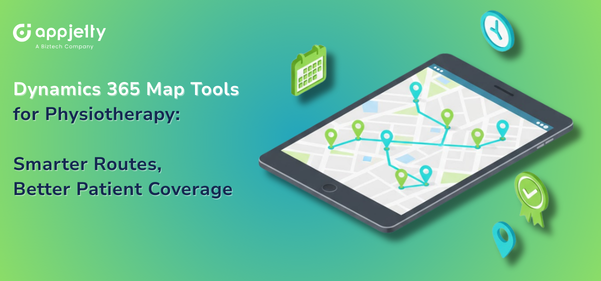
AppJetty’s MappyField 365 can make that happen. It can integrate real maps directly within Dynamics 365. So your data stops being rows and starts being pins you can actually see and work with.
Common Challenges in Physiotherapy Field Operations
Almost all the physiotherapy coordinators face similar challenges. Everything is scattered, there is time pressure, and there’s no single tool to manage all processes, especially for those in the field.
Patients are everywhere. Downtown condos. Suburban houses. That weird new subdivision GPS can barely find. One patient moved to a rural property and is now a 45-minute drive from the nearest person.
Your therapists? Also scattered. Different territories. Different specialties. Different days off. One only works Tuesdays and Thursdays. Another handles post-surgical but not chronic pain. Everyone’s got their own complicated little calendar.
To add to all of this, there is a time constraint. Post-op patients need visits within 48 hours. Follow-ups have to be spaced just right. Cancellations roll in when your therapist is already backing out of their driveway.
Additionally, the coordination tools are either spreadsheets or color-coded calendars that nobody understands. Assignments are made based on memory or on who answers their phone. Travel planning? Your therapists figure that out themselves. Hoping they don’t end up crisscrossing town all afternoon.
Some business owners recognize these gaps but don’t know how to address them. They often ask, “Scheduling eats up half our coordinators’ day. Is there a way to fix that without buying complex fleet software?”
And you know what, you can. You don’t need fancy fleet management software, but just proper geographical visibility. Patient pins and therapist pins on a map with proximity search to help you get a clearer view of who is nearby. Proper routing tools for intelligent planning.
Introducing MappyField 365 for Physiotherapy Teams
To get all the intelligent location visibility in the Dynamics 365 ecosystem, you need a solution that doesn’t require you to turn your whole infrastructure upside down. If you are looking for something like that, then AppJetty’s MappyField 365 is your answer.
AppJetty’s Dynamics 365 map plugin transforms your CRM data into interactive map visualizations. That’s the core of it. Every patient with a home address gets plotted. Your therapists show up, too. Appointments exist in geographic space instead of just calendar blocks.
Sounds basic, right? But it transforms your operation questions from “who has availability?” to “who is available and can actually get there in a 30 – 40 minute time period?”
MappyField 365’s Dynamics 365 location intelligence enables that shift. You stop guessing where people are, because you can simply see it.
Visualizing Patients and Physiotherapists on a Dynamics 365 Map
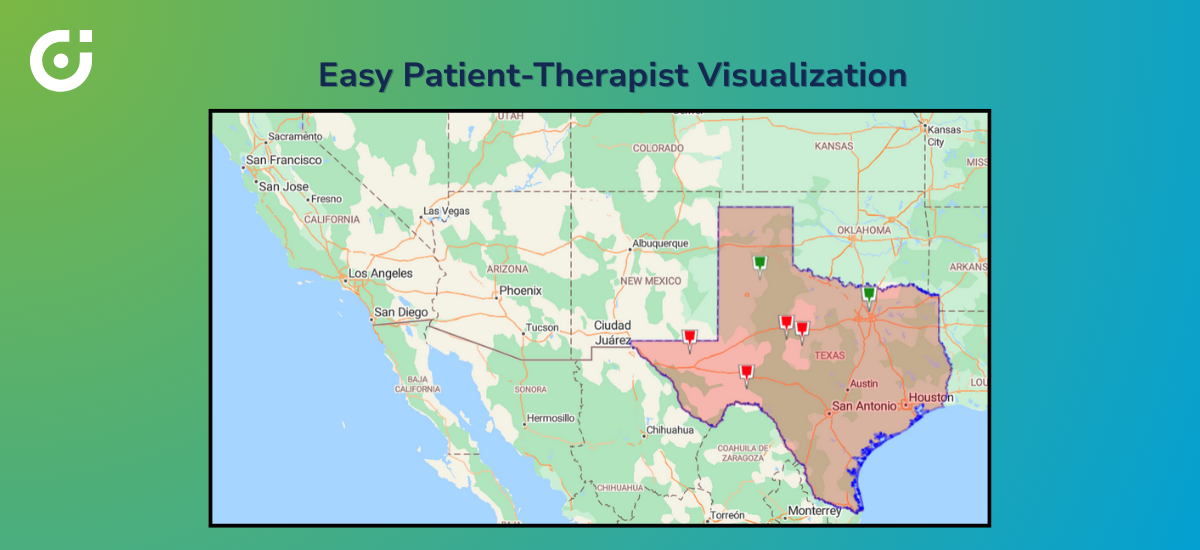
Everything starts with plotting. MappyField 365 can display map views for any Dynamics 365 record, including addresses, patient details, therapist information, clinics, and/or appointments. All on one screen.
Click a pin and get all the information you need. Patient name, appointment time, assigned therapist, and visit status. No digging through records trying to find stuff. But the real win? Coverage gaps become obvious. Instantly.
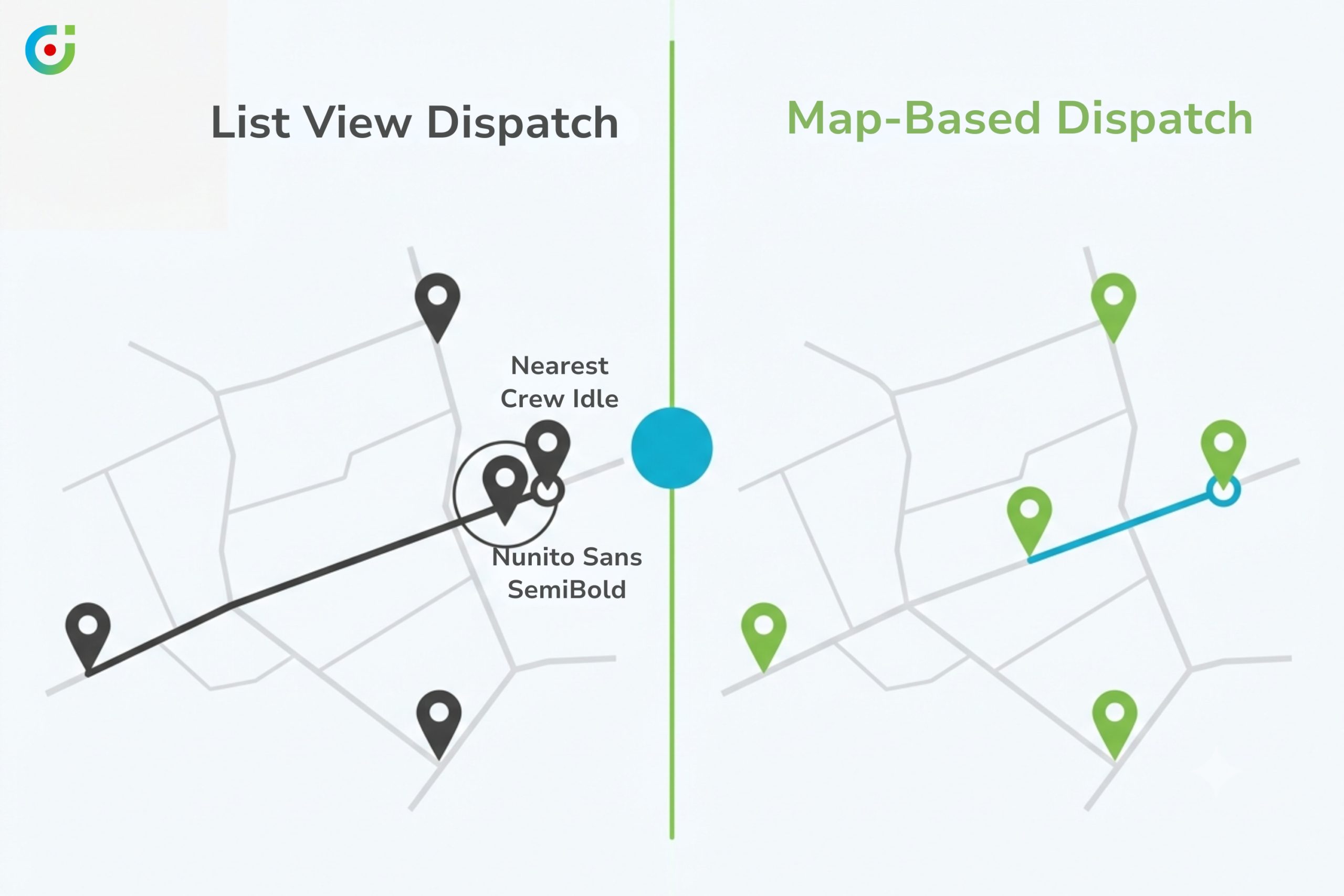
You’ll spot three therapists overlapping in the west end, while the north side has fifteen patients and nobody close. That imbalance? Invisible in a spreadsheet, but on a map, it’s screaming at you.
Coordinators who’ve worked with this say they can’t go back to lists. Once you’ve seen your operation laid out geographically, rows of addresses feel like working with one eye closed.
Proximity-Based Search for Smarter Visit Assignment
New patient calls in. Lives across town. Needs someone this week.
The old process would require you to check therapist schedules, search a few addresses, and guess who might be nearest. Sometimes you’re right. Sometimes you assign a therapist who’s technically available but actually working forty minutes away that day. Nobody catches it until they’re frustrated and running behind.
MappyField 365 can provide proximity search instead. You can set a radius, whatever works for your area. The system shows you every therapist inside that circle. That’s it. No mental math. No hoping you remembered correctly.
Dynamics 365 location intelligence handles the distance calculations. Your coordinators move faster. Patients get someone who can actually reach them without burning half their day driving.
Route Planning for Home-Visit Physiotherapy
There are days when appointments are slow and manageable, and there are days when five appointments are scheduled in one day, spread across the town. Your therapists usually figure out their own sequence. Review the list, choose a logical start, and proceed with the rest of the day accordingly.
Some days it works. On other days, they’re driving north, south, back north, past that same coffee shop three times because no one considered geography when the bookings were made. MappyField 365 can implement route planning that lays out the smart sequence before anyone starts their day. Total distance. Stop order. Turn-by-turn, ready to go.
Tracking Physiotherapy Visits with Check-In and Check-Out
Fieldwork requires optimal visibility, and that’s the problem. People in the office do not realize what is happening on field. How long was the appointment? Or how much time did it take the therapist to reach? These questions get difficult to answer.
Traditionally, therapists log visit times manually afterward. This means that data gets entered at the end of the day. Or next week. Or never because they forgot.
MappyField 365 can support check-in and check-out directly in the field. Arrive, tap check-in. Finish, tap check-out. Timestamps captured immediately.
Billing documentation sorted. Compliance records handled. Your coordinators can see who’s done, who’s mid-visit, and who’s stuck in traffic without sending multiple texts.
Managing Care Coverage Using Filters and Views
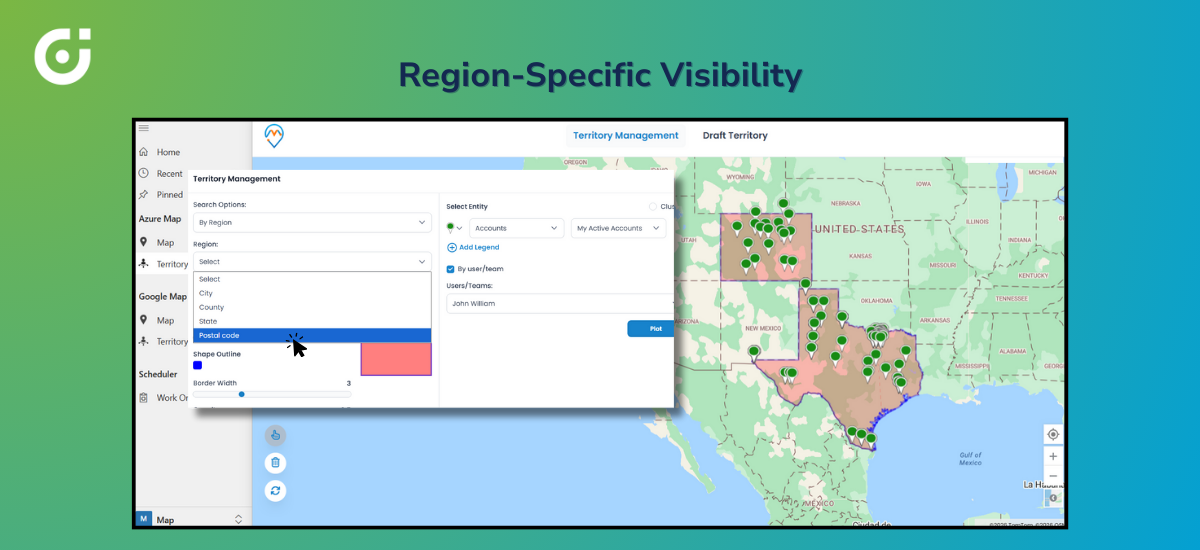
Nobody needs the entire map all the time. Your western region coordinator doesn’t need eastern patients cluttering things up. Someone reviewing overdue follow-ups doesn’t need completed visits in the way.
MappyField 365 can provide filtered views. System views. Personal views. Show just your territory. Just pending appointments. Just patients inactive for 30+ days.
Divide the data however your job requires. Each person on your team receives a map that aligns with their actual responsibilities. Not analytics complexity, just practical filtering.
Improving Coordination Across Physiotherapy Care Teams
Field physiotherapy has many moving parts. Therapists are driving around. Coordinators managing chaos. Administrators watch the big picture.
When these groups have different information, complexity starts to pile up. Shared Dynamics 365 map views help. Your coordinator spots a therapist wrapping up near an urgent new request. Quick reassignment. Done in minutes.
Your administrator reviewing regional coverage sees the same data as coordinators. Same map. Same pins. No more wait, I thought we had someone covering that area? Fewer calls. Fewer surprises. Less “how did we miss that?”
Business Benefits for Physiotherapy Providers
Operational stuff turns into business results. Faster assignments mean your patients get seen sooner. Better outcomes. Happier families leave better reviews.
Less driving means lower fuel bills. Therapists who still have energy after the commute. Smarter utilization means your same team handles more volume without everyone burning out.
Patient experience improves in ways that actually affect referrals. Your therapists arrive on time. They’re not rushing because they’re already late for the next stop. Coverage stays steady week over week.
These are not just theoretical benefits but numbers you can actually track and quantify.
Why MappyField 365 Is a Practical Fit for Physiotherapy Care
What makes this work for physiotherapy specifically is that it’s not just another mapping tool. The features actually match how your teams operate. Proximity search. Route planning. Check-in tracking. Real workflows, not generic capabilities bolted on.
Role-based access keeps things clean. Your therapists see their stuff. Coordinators see the broader picture. Everything stays inside Dynamics 365. No separate login. No sync headaches. No training people on yet another platform.
If you’re already on Microsoft’s ecosystem, you just get more from what you’ve already got.
Turning CRM Data into Actionable Location Insight
You have plenty of data. Patient names, addresses, histories—tons of it. What’s been missing? Geographic context. Seeing where everyone actually is.
Dynamics 365 location intelligence, via MappyField 365, can provide the missing layer. Addresses become pins. Assignments become distance-based. Routes get planned before anyone hits the road.
If you’re tired of scheduling guesswork and wasted drive time, map-based visibility isn’t just a nice extra. It’s how efficient field care actually works.
Curious what location intelligence could do for your physiotherapy operations? Take a look at MappyField 365 and see how geographic visibility changes your field care delivery.