Here’s what happens way too often: A freshman needs to talk with their advisor before registration opens. They sent an email on Tuesday morning. The advisor responds on Thursday with three available slots. They pick one and hit reply—but that time’s already gone. Two more email rounds later, they finally booked something. The problem is, it’s two weeks out, after the registration deadline has passed.
Sound familiar? This exact scenario plays out on every campus, every semester. Universities spend millions on CRMs like Dynamics 365 to streamline processes, yet lose students over something as simple as booking a 30-minute conversation.
AppJetty’s Calendar 365 bridges this gap for Dynamics 365 users. It extends Dynamics 365 with native calendar and scheduling capabilities to manage availability, catch conflicts before they happen, and let students book what they need without the email tennis. The personal connection stays intact—the administrative nonsense doesn’t.
Why Manual Scheduling Holds Institutions Back
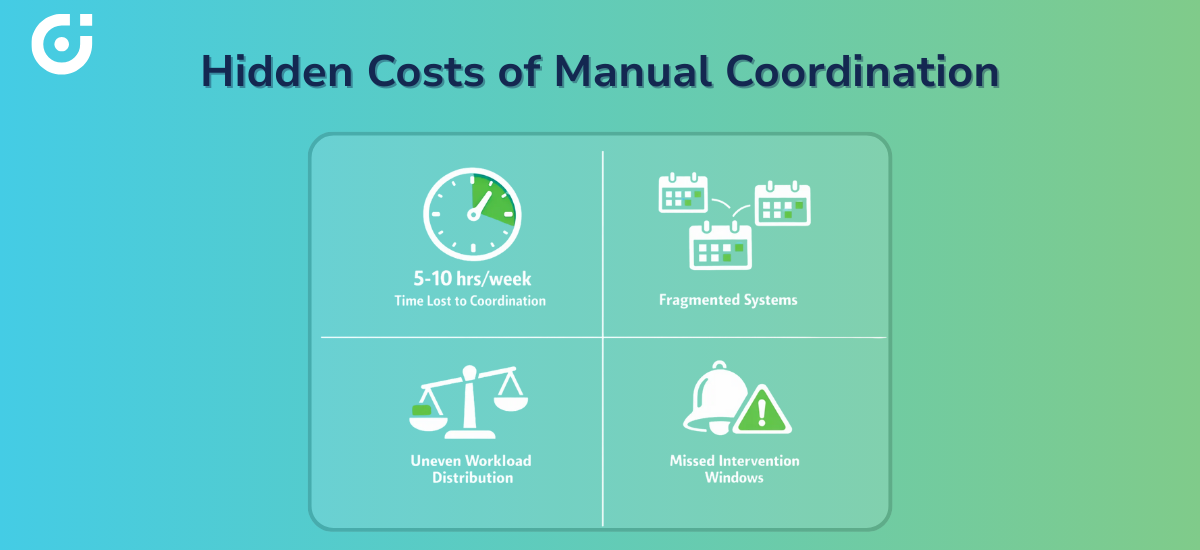
Traditional scheduling is broken, plain and simple. Advisors spend 5-10 hours per week just coordinating appointments. That’s not an exaggeration—it’s reality at most institutions. Meanwhile, their calendars live everywhere: Outlook, Google, paper planners, department spreadsheets, but the CRM, where it should be. Nothing syncs. Everything conflicts.
Students end up guessing when people are available. They email requests for times that were booked three days ago. Or they ask for 3 PM on a day the advisor doesn’t even work. Nobody’s fault—the information just isn’t accessible.
Here’s the main issue: administrators can’t see across their own teams. During registration week, one advisor is completely slammed with back-to-back meetings, while two offices down, someone has six open hours. There’s no way to know, no way to balance it out.
Meanwhile, at-risk students who actually need immediate intervention? They’re waiting. Proactive outreach that could change someone’s trajectory? It’s not happening because everyone’s stuck in inbox hell.
When scheduling data is centralized within Dynamics 365, coordination improves significantly.
What Scheduling Automation in Calendar 365 Looks Like for Dynamics Users
Scheduling automation means the system reduces manual coordination work, while staff focus on student needs. Dynamics 365 Calendar shows who’s available when, spots conflicts, books appointments, and keeps everything current—without staff lifting a finger on coordination.
The big advantage? It’s built directly into Dynamics 365. It integrates seamlessly within Dynamics 365 rather than functioning as a separate external tool. Staff use the same interface for student records, academic histories, and case management: one login, one system, complete context.
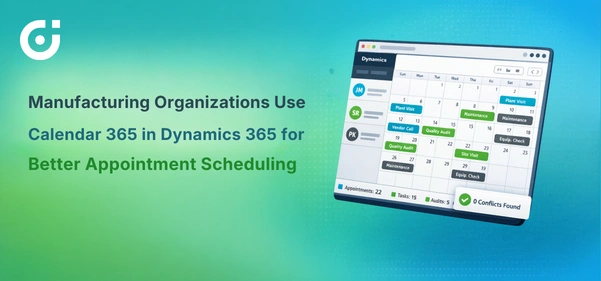
You get different calendar types — resource calendars for users and resources, customer calendars, and entity calendars that can reflect team or departmental scheduling based on CRM data. Calendars reflect up-to-date Dynamics 365 activity and entity data, with activities, appointments, and tasks visible across customizable views.
Conflict alerts work automatically—no more double-booking a room or scheduling two advising sessions at the same time. And because it’s cloud-based, staff manage their calendars from anywhere: office desktop, home laptop, phone while walking between buildings.
The coordination runs itself. Staff judgment and student relationships stay front and center.
Improving Academic Advising Access and Continuity
Self-service booking changes the game. An advisor sets up their working hours once, maybe 9 AM to 4 PM on Mondays and Wednesdays, and 10 AM to 3 PM on Fridays, blocking lunch and prep time. They generate a booking link. Done.
That availability can be shared across existing campus communication channels. When scheduling is configured in Dynamics 365, students can view up-to-date availability and request appointments without back-and-forth emails. How and where that access appears—student portals, internal systems, or links shared by staff—depends on each institution’s Dynamics setup. Once an appointment is scheduled, confirmations follow through standard Dynamics 365 workflows.
For departments, shared booking links are brilliant. Students can view availability across multiple advisors and book appointments based on configured scheduling rules. Registration week madness becomes manageable. No advisor drowns while others sit idle.
But here’s the part that really matters: every appointment connects to that student’s full CRM record. When a student books with you, you see that they met with your colleague last month about switching majors. They’re on academic probation. You see notes from their success coach about family issues affecting coursework.
You don’t make them explain everything again. You don’t start from zero. You pick up the thread and keep building the relationship. That’s what actually keeps students enrolled.
Better Prepared Conversations Through Pre-Meeting Detail Capture
Smart institutions capture context when students book, not during the meeting. Calendar 365 lets you add intake questions to the booking process.
An advising appointment might ask: “What do you want to discuss?” A graduation audit: “Which degree requirements are you unsure about?” Career services: “Upload your current resume if you have one.”
This information feeds directly into the appointment record and calendar view. Advisors see it beforehand. They pull relevant degree plans, check for policy changes that might affect the student, or consult with colleagues if specialized knowledge is needed.
The meeting starts productive instead of spending 15 minutes on background. Students notice. A focused 30-minute conversation where someone’s actually prepared beats an hour of fumbling around trying to figure out what’s going on.
Supporting Office Hours, Group Sessions, and Events
Academic support isn’t just one-on-one advising. Calendar 365 handles the full range: office hours, exam reviews, study groups, major fairs, and new student orientation.
The professor designates Tuesday and Thursday, 2-4 PM, as office hours. Students book 15-minute slots within those blocks. A math department schedules weekly calculus review sessions, sets a capacity of 20 students, and enables a waitlist for overflow.
Student affairs plans a three-day orientation spanning multiple buildings. Resource calendars reserve auditoriums and breakout rooms. Entity calendars coordinate which staff are leading each session. Everything’s visible in one place.
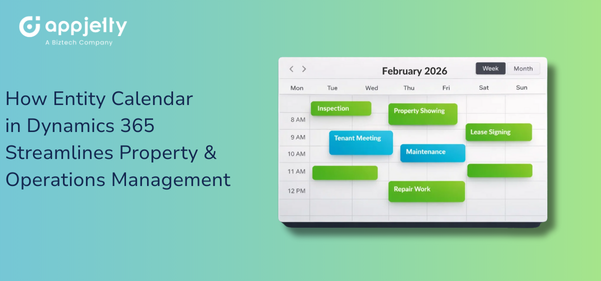
The views adapt to what you’re doing. Need a simple chronological list? Agenda view. Want to see the distribution across the week? Timeline. Coordinating a complex multi-day event with dependencies? Gantt chart. Trying to understand capacity and demand patterns? Dedicated capacity view.
Adding new activities takes seconds. Create it, assign it to the right calendar, set recurrence if it’s regular, specify capacity limits, done. It syncs everywhere automatically.
Extending Scheduling Automation Beyond the Classroom
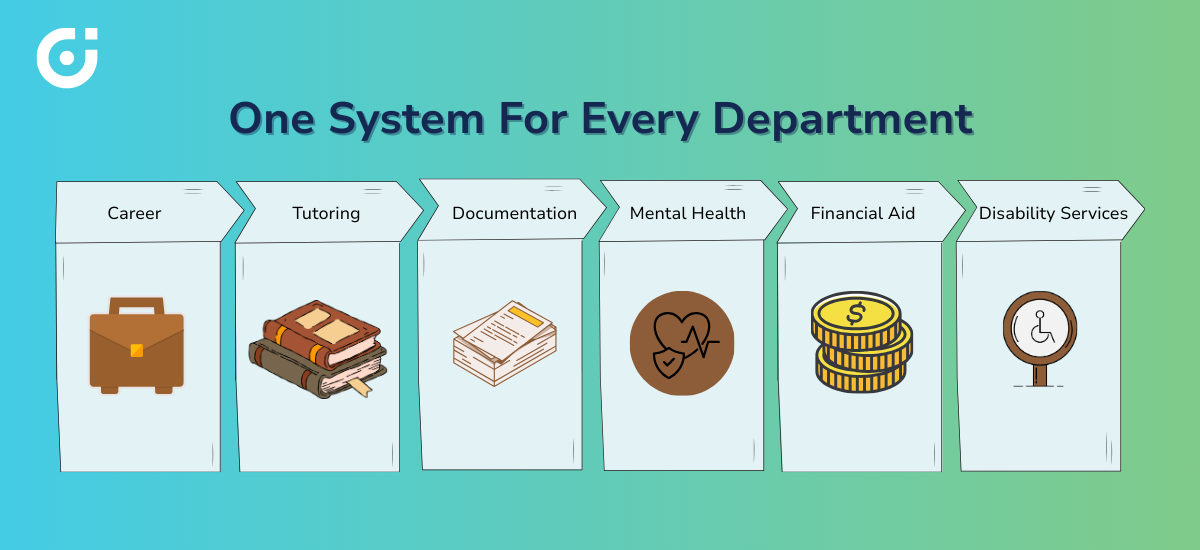
Student success touches way more than academics. Career counseling, tutoring, mental health support, disability services, and financial aid appointments—all of it needs scheduling that actually works.
A career center runs in-person resume workshops, virtual interview prep over Zoom, and hybrid employer networking events: same booking system, different meeting formats. Students pick what works for them.
Tutoring centers offer drop-in hours for quick questions plus scheduled deep-dive sessions for complex topics. Writing centers do the same—quick consultations versus dedicated manuscript reviews.
Mental health and wellness services might be the most essential use case. Students in crisis can’t navigate Byzantine intake processes. They need a simple, confidential way to request help quickly. Calendar 365 scheduling follows Dynamics 365’s role-based access controls, ensuring appointments are visible only to authorized staff.
Calendar 365 supports configurable notifications and reminders through Dynamics 365’s notification system, which can inform students and staff of upcoming appointments. Students get confirmation when they book, a reminder the day before, and easy rescheduling if something comes up. Staff can see their schedule updates in real time. Resources actually get used instead of being wasted on empty appointment slots.
Operational Benefits for Institutions and Staff
Let’s talk numbers. Administrative overhead drops by hours per week per person. Many institutions find that reducing email scheduling improves staff efficiency — though exact savings vary by implementation. That’s two full-time positions’ worth of capacity redirected from email tag to actual student support.
Visibility prevents disasters. You see conflicts before they happen, rather than discovering at 2 PM that you double-booked a room or scheduled two mandatory meetings at the same time. Automated alerts catch these issues at booking time when they’re easy to fix.
Cross-functional visibility improves planning dramatically. Department chairs can see advisor workloads in real time and rebalance coverage. Student success leaders spot demand patterns—“wow, tutoring requests spike every third week of the semester”—and adjust staffing accordingly.
IT teams love that it’s native to Dynamics 365. No separate security audit. No additional compliance documentation. No maintenance burden from yet another third-party tool. It’s already there, already secured, already maintained.
How Calendar 365 Features Align with Campus Needs
The platform handles complexity without complicating things. Multiple calendar types serve different institutional needs—faculty calendars, departmental calendars, service calendars. Conflict alerts provide guardrails but allow manual overrides when situations warrant.
Views accommodate how different people actually work. Some staff prefer agenda lists. Others want timeline visualization. Project managers need Gantt charts for complex events. Capacity planners want demand heat maps. Everyone gets what helps them most.
Customization runs deep. Define custom entities capturing data specific to your institution. Configure views surfacing exactly what each role needs to see. Set notification templates that match your communication standards—color-code appointment types so staff can instantly distinguish them.
None of this requires developers or consultants. It’s configurable, not custom-coded.
Conclusion: Scheduling Automation as a Student Experience Strategy
Scheduling automation isn’t about technology. It’s about access, and access determines outcomes.
Students seek help when they’re motivated to seek help. That window is narrow. If booking an appointment requires three days of email exchanges, the moment passes. They stop trying. The intervention that might have changed their trajectory never happened.
When advisors have full context and preparation time, conversations go deeper. Surface-level meetings become strategic planning sessions. Transactional check-ins become genuine mentoring relationships.
When administrative friction disappears, staff energy flows where it belongs—toward students, not logistics.
The school’s winning right now understands that student success happens in moments. The advising conversation that crystallizes someone’s career direction. The tutoring session that builds genuine confidence. The counseling appointment provides support during the hardest semester of someone’s life.
Better scheduling creates more of these moments. That’s the strategy. Everything else is just implementation details.
Want to see how scheduling automation in Dynamics 365 using Calendar 365 works for your specific institutional context?