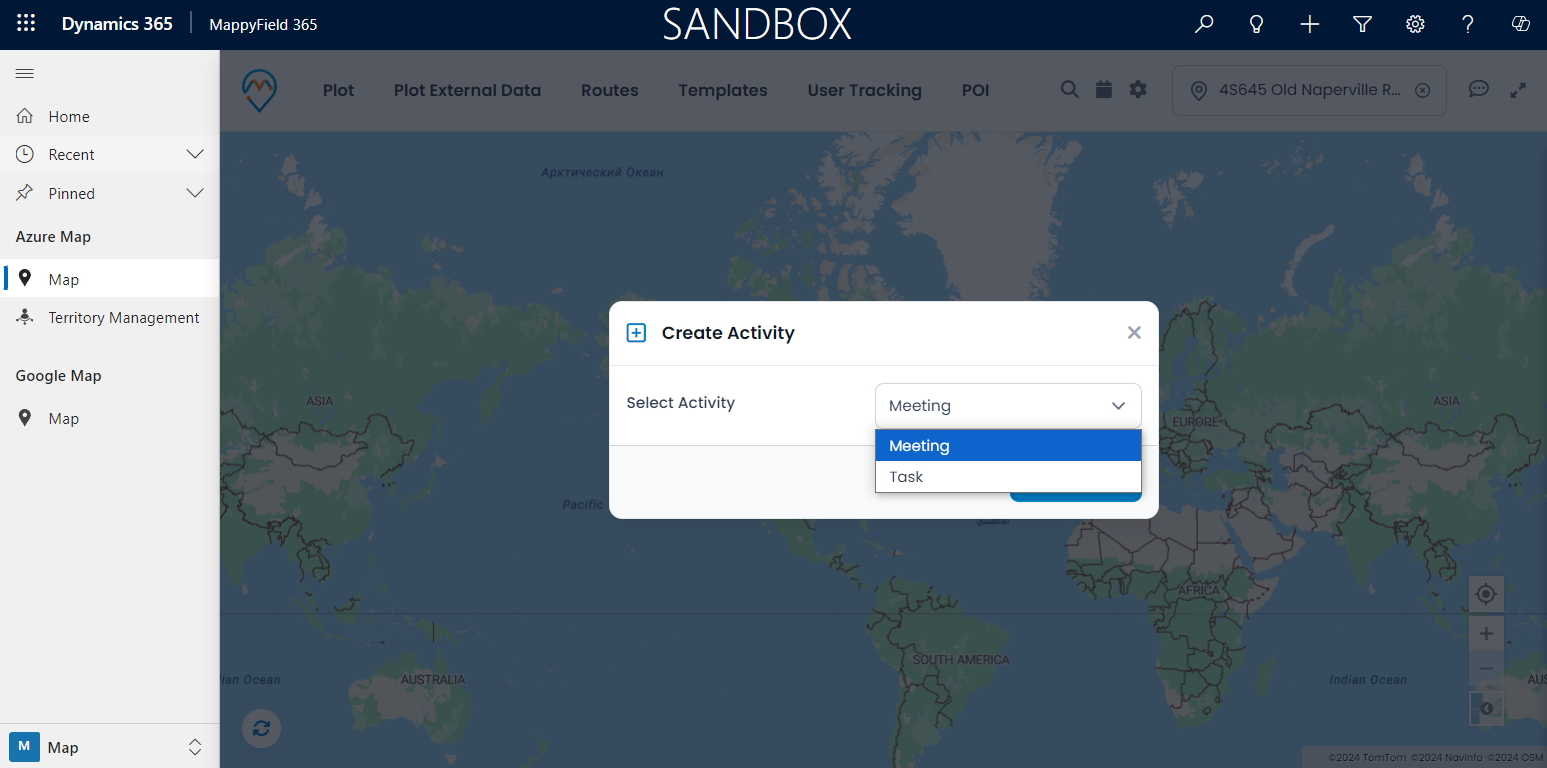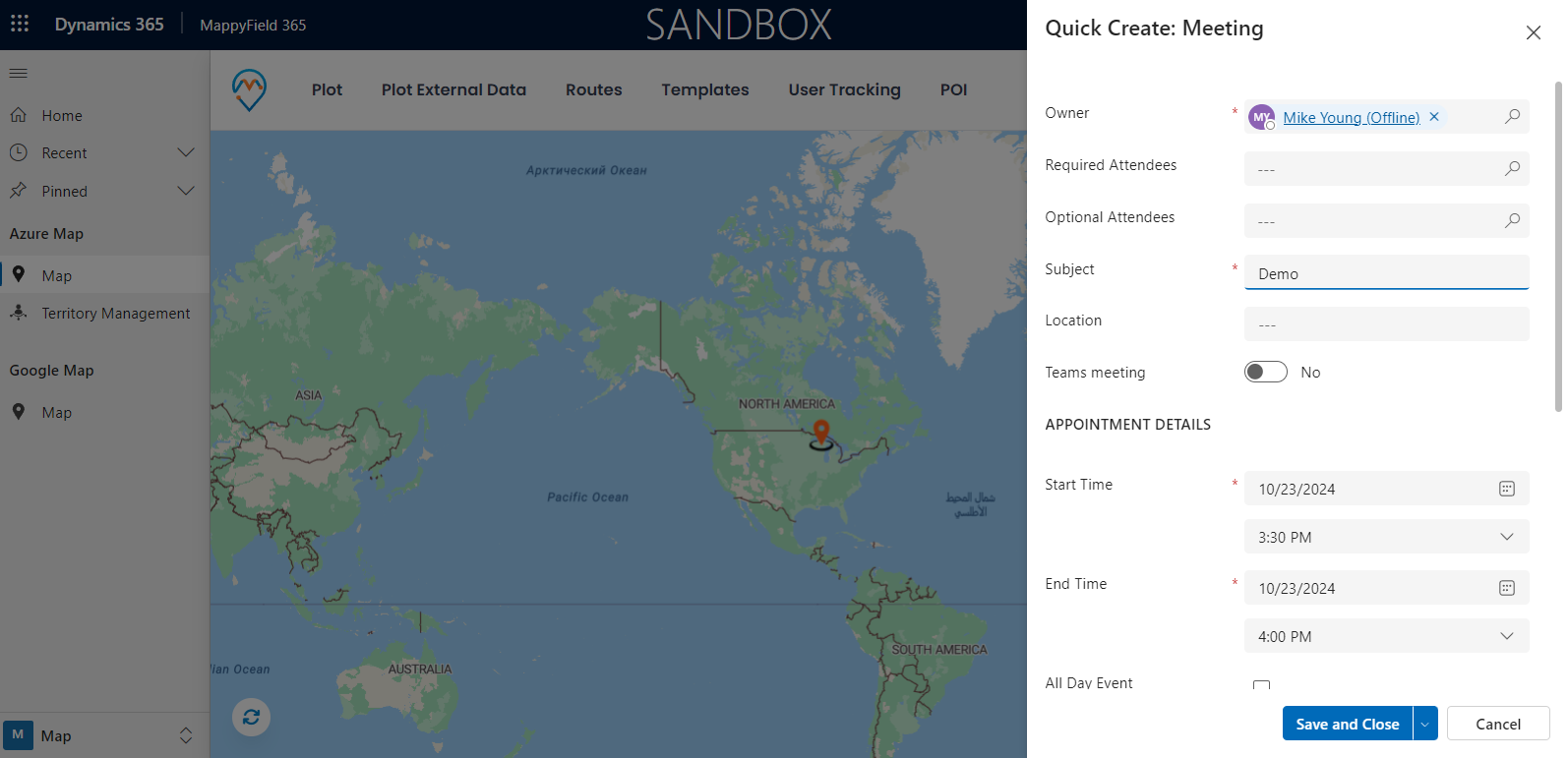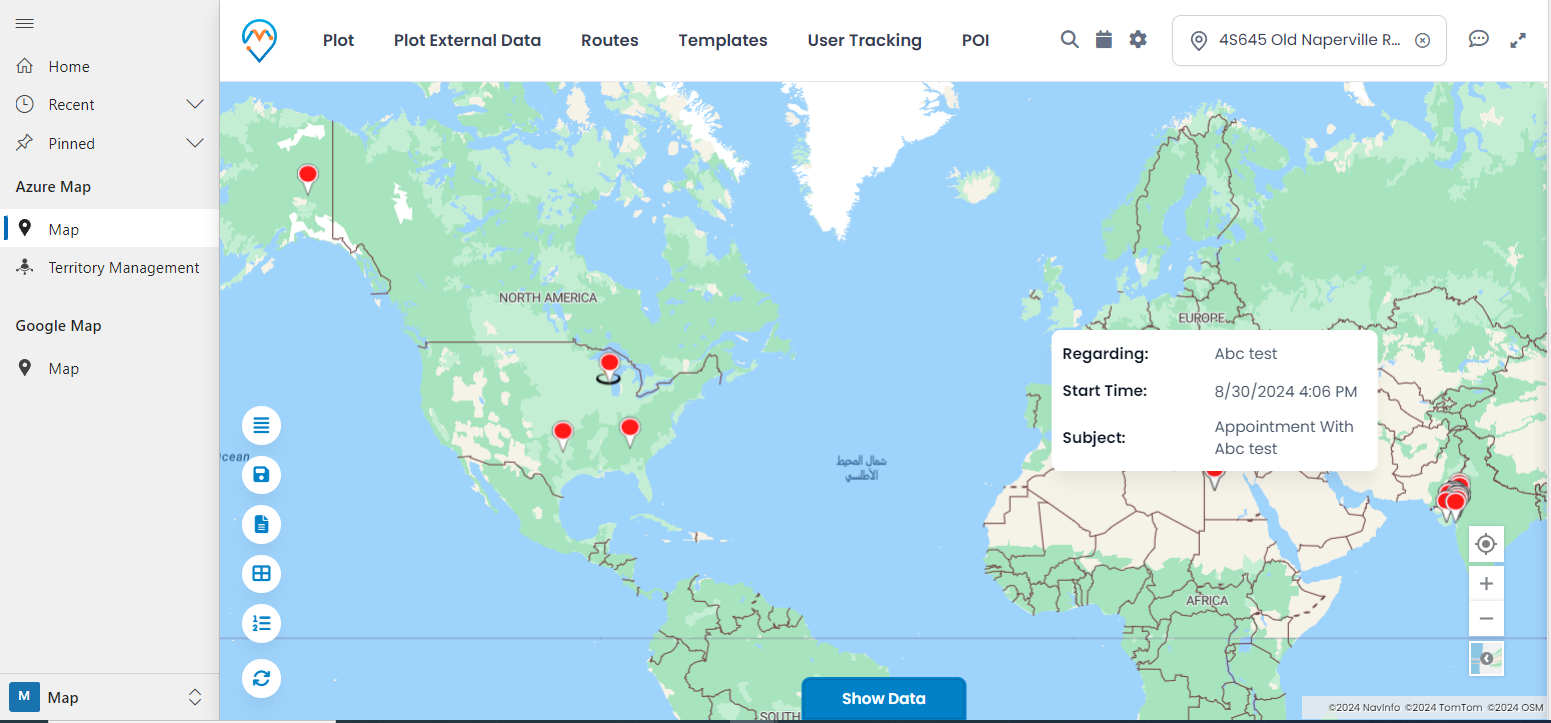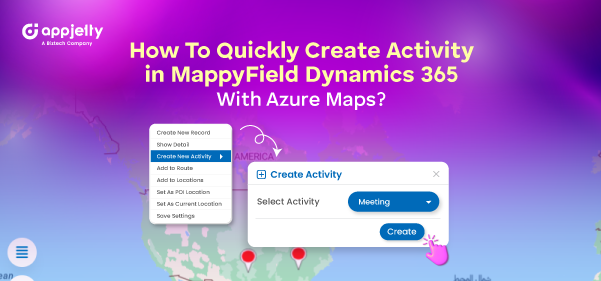
To make the process of creating tasks and appointments easier, you can directly create activities from the Dynamics 365 map. Using the Quick Create Activity feature, all you need to do is fill in the form details. You can create an activity that is configured in the Entity to map from the Settings. Here’s how you can create an activity in Dynamics 365 MappyField.
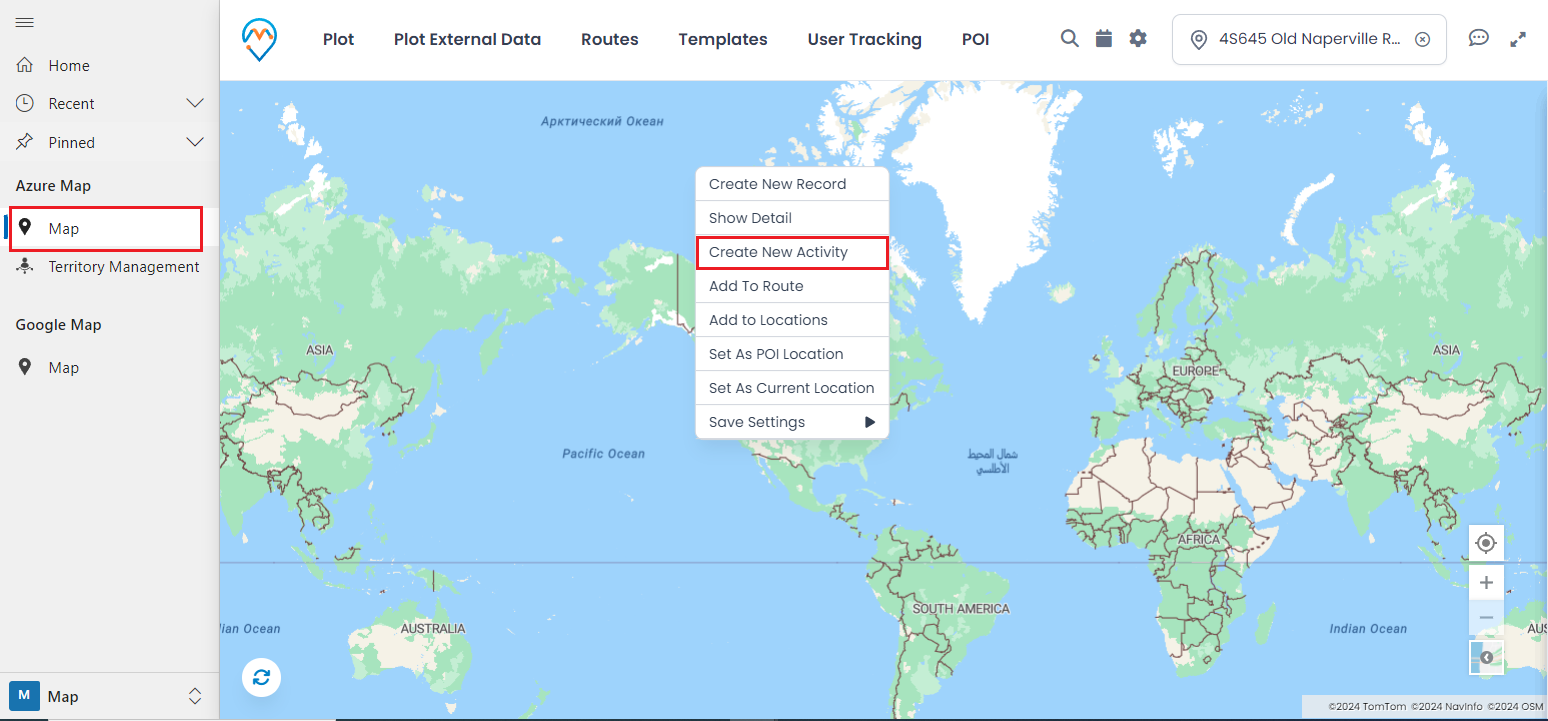
Step 1: Open the Map section, right-click on the map, and click on the ‘Create New Activity’ button.
Step 2: Here, you can see the list of activities, which are configured in the entity to map. Select an activity and click the “Create” button. Users do not need to open the CRM; they can directly create an activity from here.