View matters when it comes to visualize a lot of data on the map. MappyField also comes with the calendar view along with the map view to evaluate the data with ease.
Calendar view is specially helpful to keep a track of upcoming events and activities. It can help in visualizing your schedule and keep all the things in track. Here is how you can see the activities in the calendar in Dynamics 365 Map.
Step 1: Plot the activity entity on map.
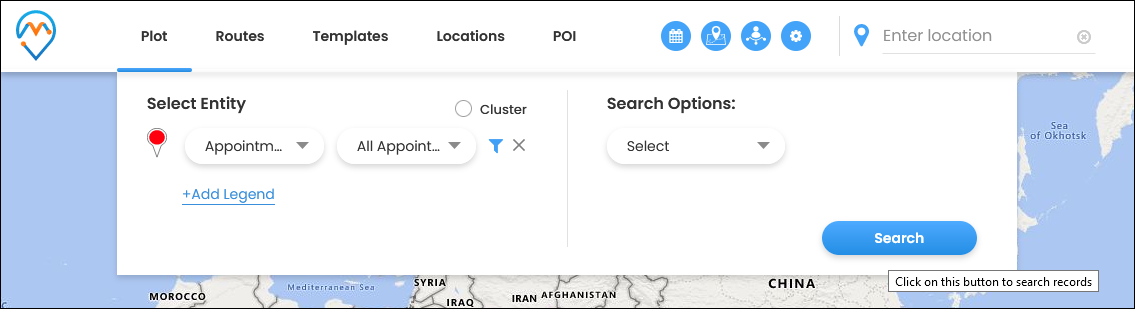
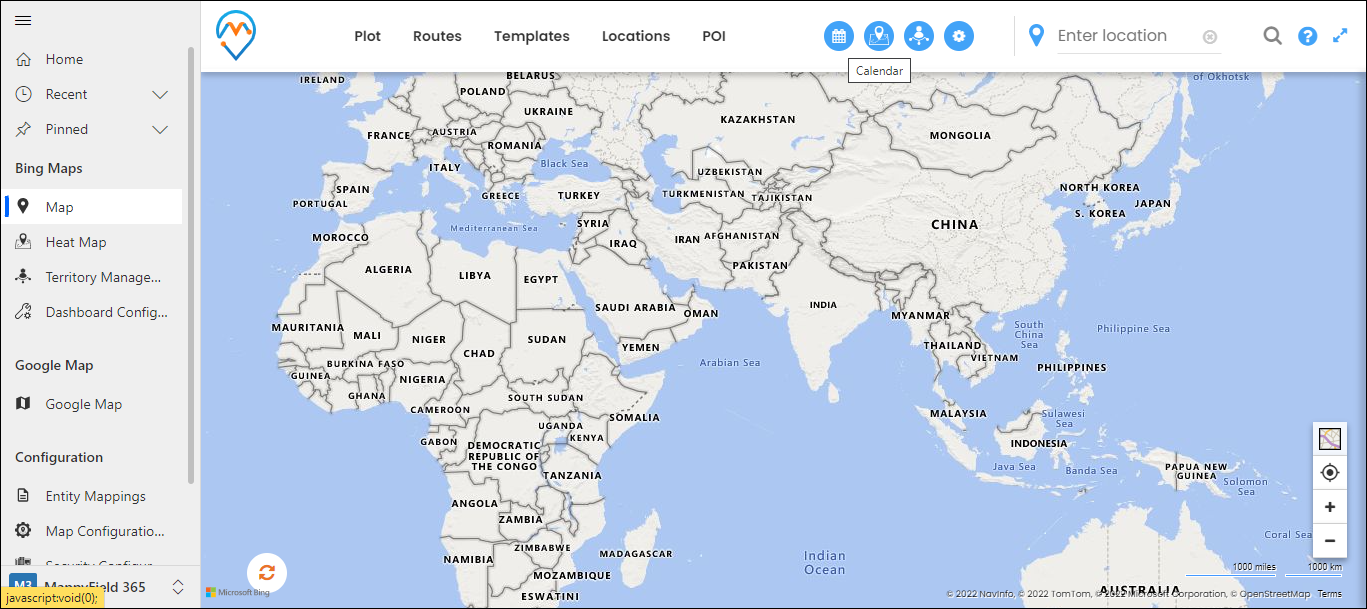
Step 2: Click on this Calendar icon to see the activity record in the calendar.
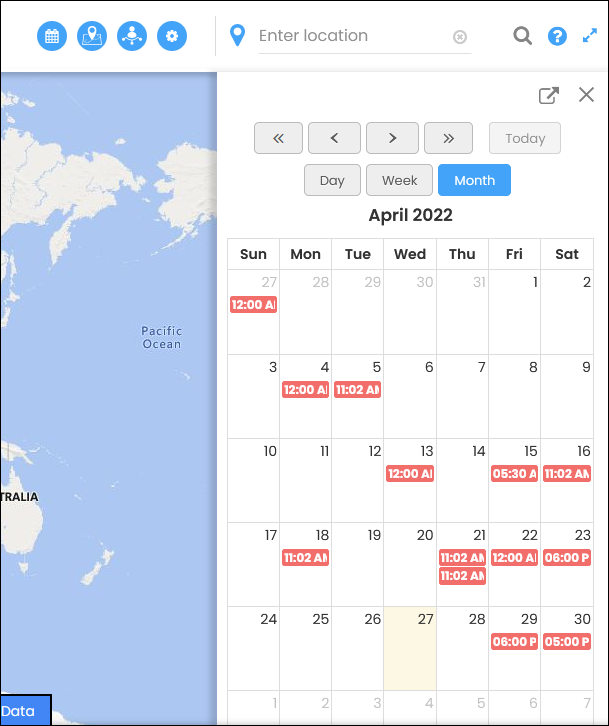
Step 3: After clicking on this icon the user will see the calendar inside the panel like in the image below.
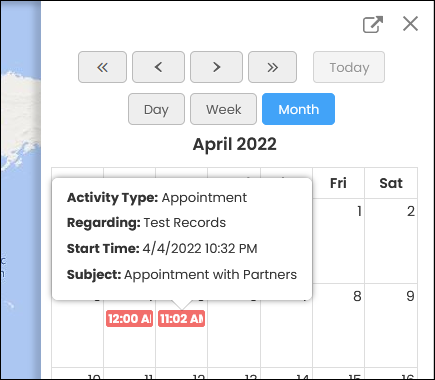
If you hover on the event you can see its details.
By clicking on the event the user will be redirected to the CRM form of that particular entity with full activity details
All product and company names are trademarks™, registered® or copyright© trademarks of their respective holders. Use of them does not imply any affiliation with or endorsement by them.