Most scheduling decisions look simple from the outside. A calendar tool gets picked because it’s familiar, it’s available, and nobody stops to ask whether it actually fits the way the team works.
And for everyone working on Dynamics 365, that’s where the trouble quietly begins. Dynamics is built for integrated work, where CRM data, calendar activity, and client engagement are all on the same page. And scheduling sits right at the centre of that. Every meeting booked, every follow-up logged, every interaction recorded is what keeps the pipeline honest and the team aligned. When the calendar tool fits that world, everything flows. When it doesn’t, the gaps don’t announce themselves. They just accumulate.
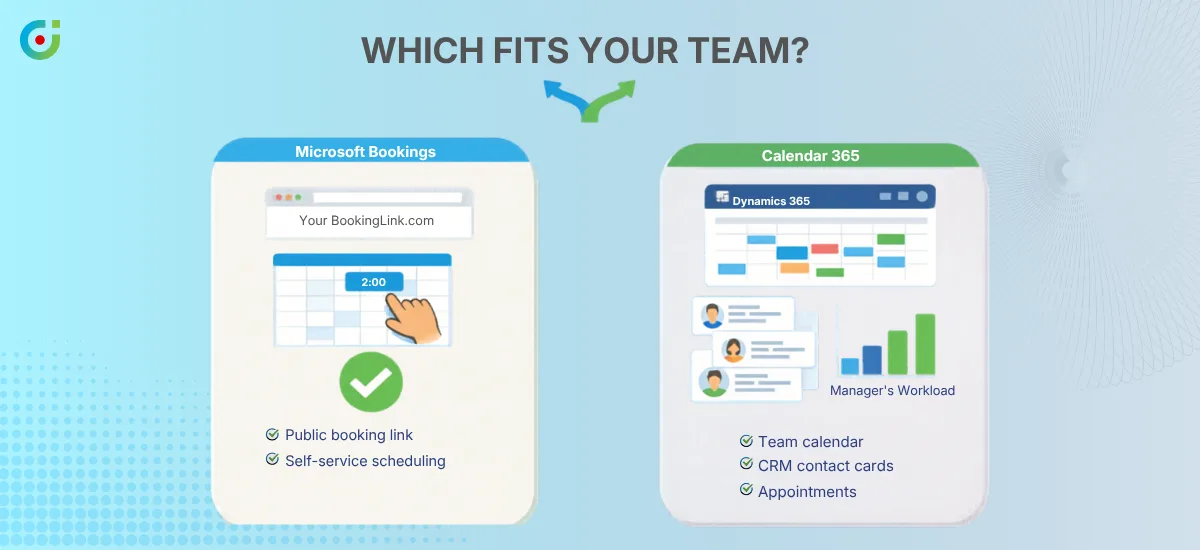
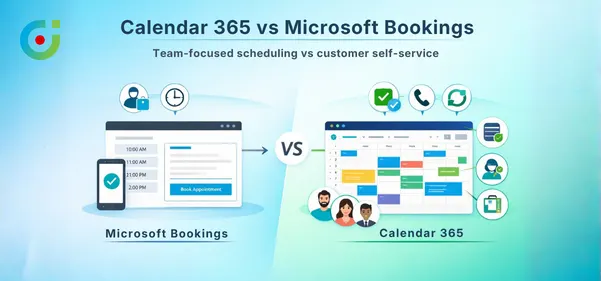
That’s the real Microsoft Bookings vs Calendar 365 question — not which tool has a better interface, but which one was actually built for Dynamics 365 teams. One was designed for customers booking in. The other was designed for the team that manages everything within the CRM. They look similar from a distance. Up close, they’re solving completely different problems.
For every Dynamics 365 user trying to figure out which one belongs in your stack, this is a good place to start.
The Real Differences Between Microsoft Bookings and Calendar 365
Two tools, one Microsoft ecosystem, and a distinction most comparisons skip over entirely. The gap between Microsoft Bookings and Calendar 365 shows up in three specific places — and each one has real consequences for how your team operates.
Built for Customers vs. Built for Your Team
Microsoft Bookings was designed for your customers. The people outside your organization who want to book time with you without sending three emails, waiting two days, and then discovering you’re at a conference. A clean self-service page, a list of available slots, a confirmation email. No friction, no back-and-forth needed.
That’s genuinely useful. For the right situation.
On the other hand, AppJetty’s Calendar 365 is designed for people who work inside Dynamics 365 from nine to five. The sales rep tracking fifteen open opportunities while trying to stay on top of every follow-up. The service agent moving between five accounts before lunch is even over. The operations manager who needs a clear picture of what the team is actually doing this week. These aren’t people who need a booking page — they need scheduling that works the way their CRM works.
Same Microsoft universe, completely different orbit. The question worth asking before any tool decision is simple: who is the scheduling experience actually built for? Getting that answer right matters more than any feature comparison, because a tool that was built for the wrong audience doesn’t fail loudly — it just creates friction nobody can quite put their finger on.
Scheduling Outside Your CRM Creates Invisible Data Gaps
When a meeting gets scheduled, where does that information actually end up? It sounds like an IT question. It’s really a business one.
Microsoft Bookings was built for external scheduling, and it’s very committed to staying there. With this tool, customers can pick a slot, a confirmation goes to the team, and the appointment reflects on the calendar. And Dynamics 365 has no record of the whole activity. That also means your team won’t have any updates on the contact history or what’s going on in the pipeline.
This feels normal for a few weeks. But it becomes a genuine headache around the time someone pulls a report and realizes half the team’s customer interactions are stored only in Outlook and not in CRM.
Calendar 365 keeps everything inside Dynamics 365. Every meeting, task, and call is logged, linked to the right record, and sitting exactly where your reports expect to find it. There is no need for manual entry, or chasing colleagues, or various versions of events living only in someone’s inbox.
Self-Service Booking vs. Team-Owned CRM Scheduling
There’s a time and a place for letting customers control the schedule. For straightforward consultations, demos, or service calls with predictable formats, self-service booking saves everyone time. Microsoft Bookings does that job well.
But most CRM work doesn’t look like that.
Sales cycles aren’t linear, and not every service issue carries the same weight. The right follow-up depends on what happened in the last conversation, where the opportunity sits, and what’s already on the rep’s plate that week. That kind of scheduling needs context that only lives inside Dynamics 365 — not on a booking page a customer fills out.
Calendar 365 is built around that. The team plans the work, activities get sequenced with full visibility into what’s already happening, and managers can assign and prioritize without having to ask twice.
Calendar 365 Schedules More Than Just Appointments
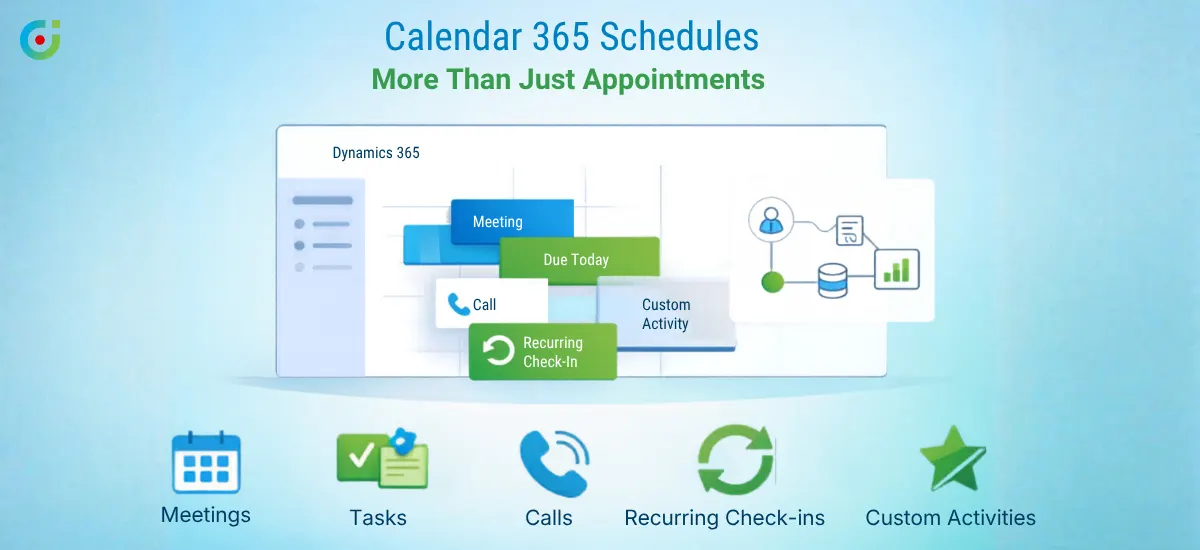
Ask most people what a scheduling tool does, and they’ll say it books meetings. But anyone who has spent real time inside a CRM knows that’s a fraction of what actually needs to be scheduled.
Microsoft Bookings schedules appointments. That’s the lane it was designed for, and it stays in it.
AppJetty’s Calendar 365 schedules the full range of CRM activities. Meetings, tasks, calls, recurring check-ins, custom entities — all of it sits inside Dynamics 365, linked to the records it belongs to and visible in the reports that matter. It works less like a booking interface and more like a planning layer across the entire CRM, giving teams the full picture rather than a partial one.
Shared Calendars That Fix Cross-Team Handoff Problems
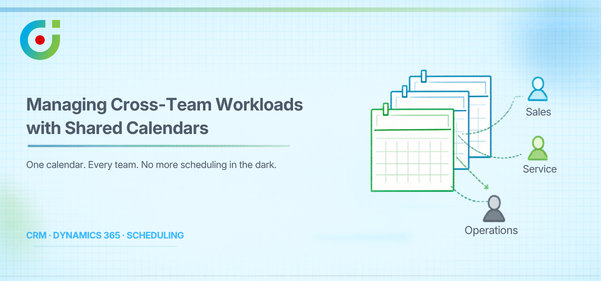
The sales team closes the deal, hands it to service, and somewhere in the middle, the operations team gets involved too. At every handoff, someone needs to know who’s free, what they’re already carrying, and whether the timing makes any sense for the customer who’s been waiting patiently on the other end.
When that information is scattered across different tools and calendars, handoffs slow down, and things fall through the gap. The customer notices before anyone internally does, which is never a comfortable position to be in.
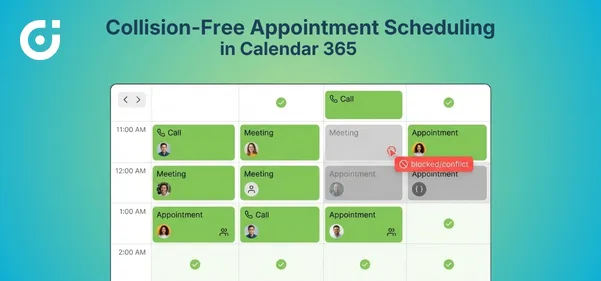
Calendar 365 makes coordination something the whole team can see. Everyone in Dynamics 365 knows what’s happening across the team, where schedules are getting heavy, and where something is about to clash before it actually does.
Microsoft Bookings moves in one direction — a customer books, and the staff receives. What happens between the people managing the work on the inside was never part of the picture.