Ever wondered how you can make the most of a client meeting?
By meeting more clients in the same vicinity!
Of course, meeting 4 clients in a day is always better than meeting just a single client.
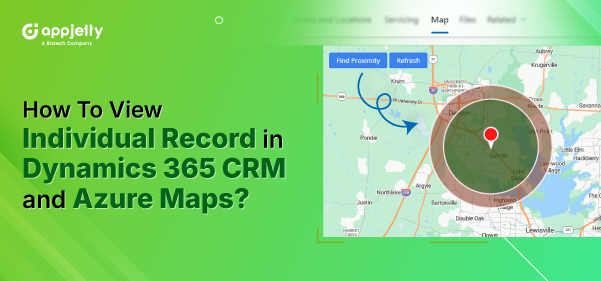
In this article, we are going to demonstrate how you can easily find your contacts or records near a particular record using the Dynamics 365 mapping tool.
We’ve used MappyField 365 for this demonstration, but you can always browse through the MS AppSource to find the right map integration for your business.
Here’s how you can:
– Find entity details by navigating to any specific entity
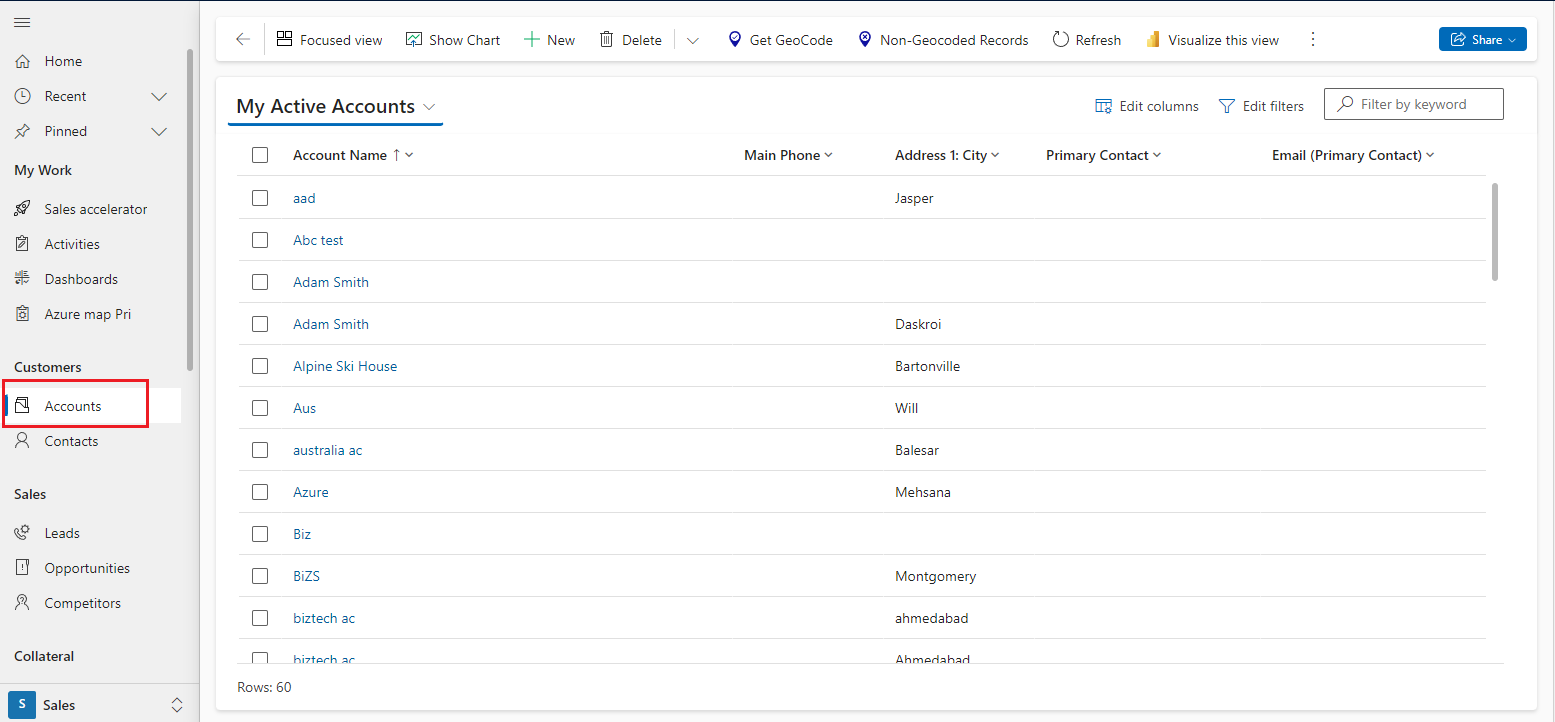
– Find the individual map using MappyField 365
– Perform a proximity search based on the record’s location on the map
Step 1: Navigate to MappyField 365
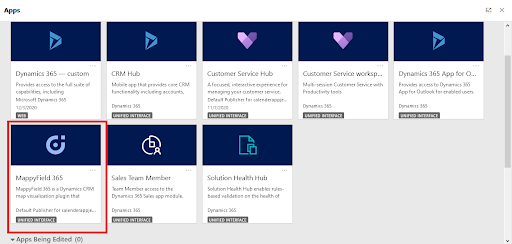
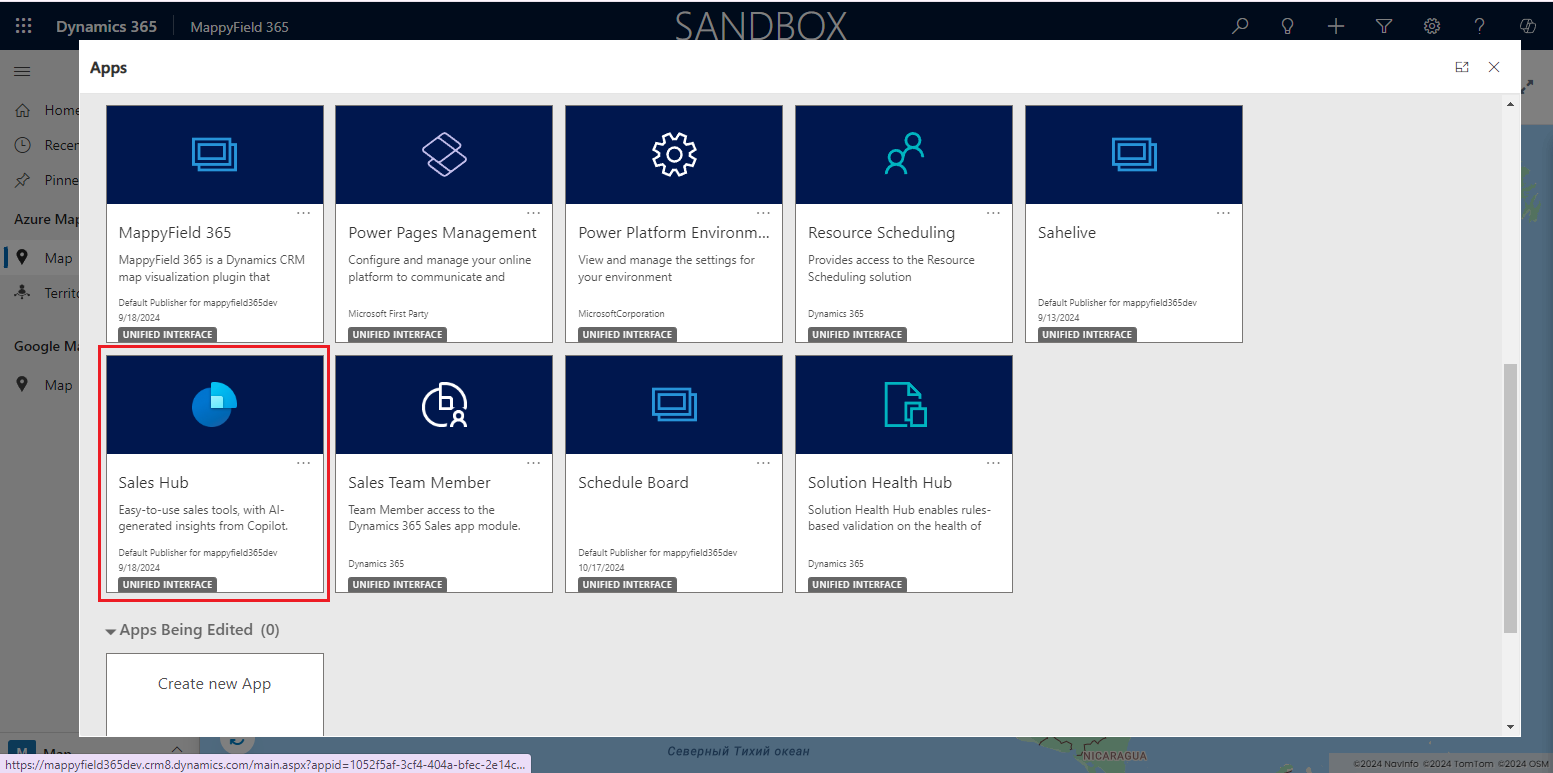
After logging into Dynamics 365, click on ‘MappyField 365’ from the Dynamics 365 Apps dashboard.
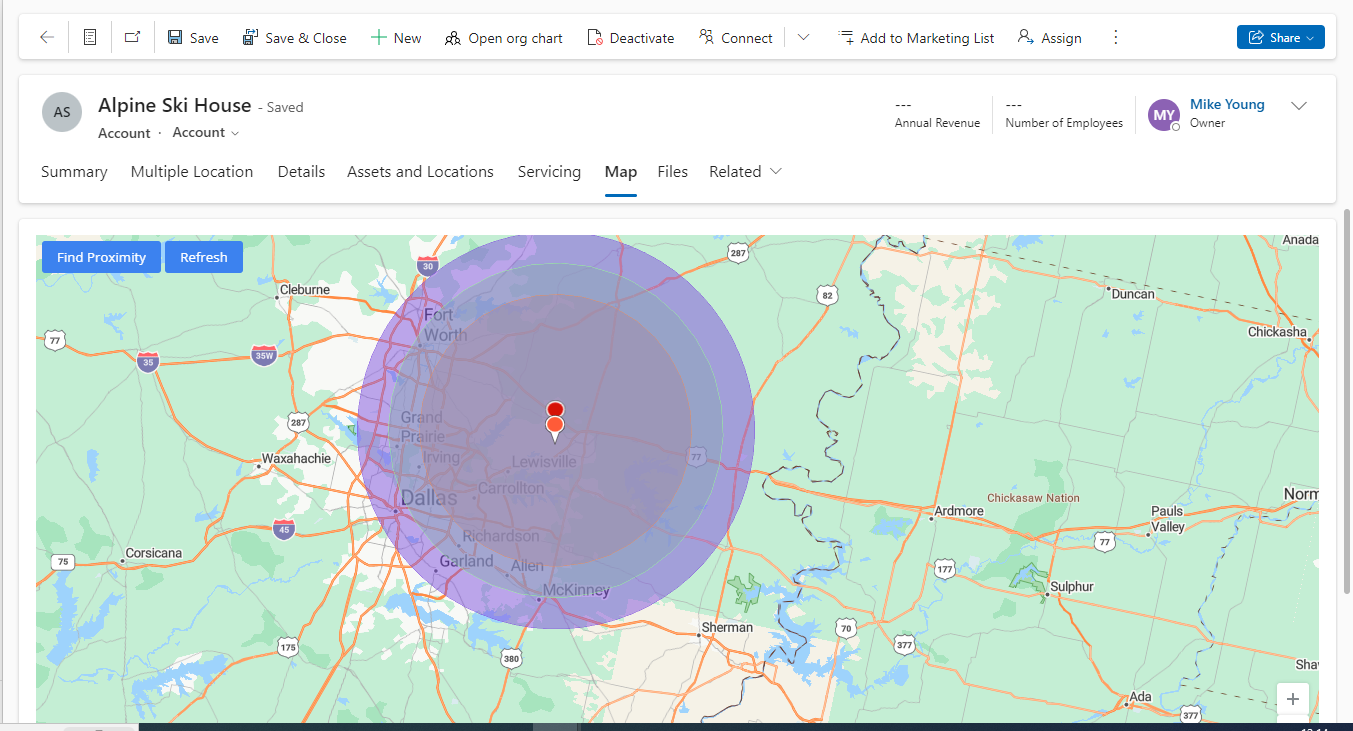
Here, you can see the individual map for the record of Alpine Ski House.
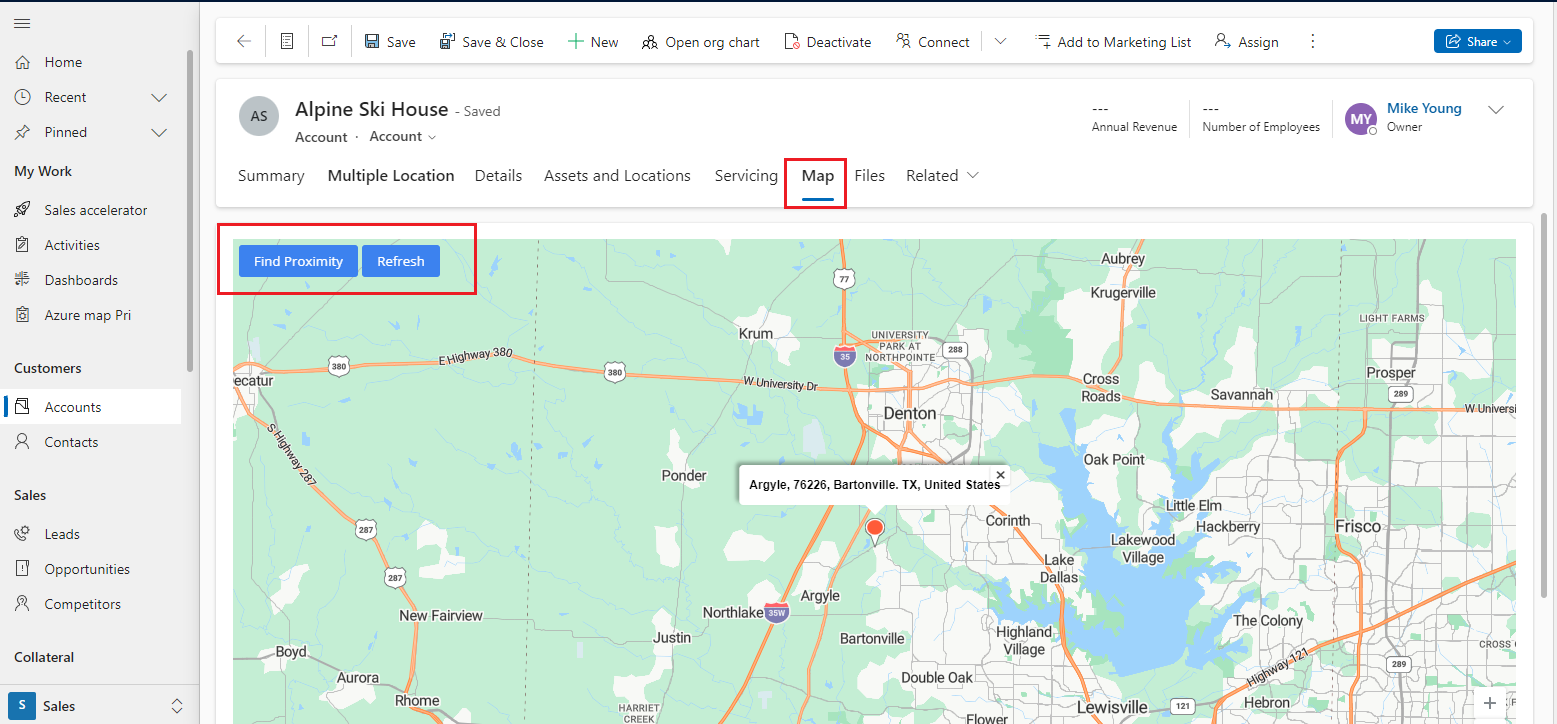
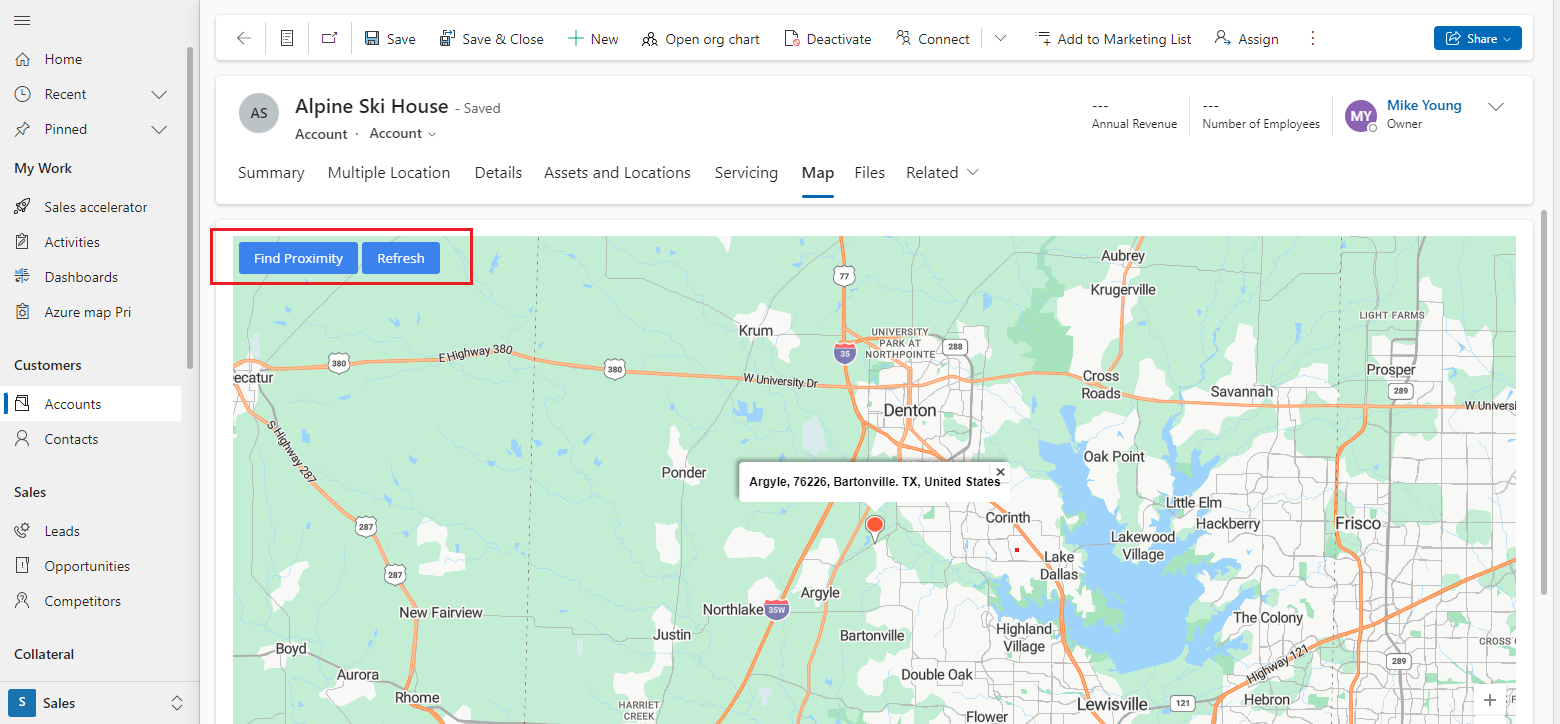
Step 3: Perform Proximity Search As a sales or area manager, you can perform Proximity Search operations from the individual map.
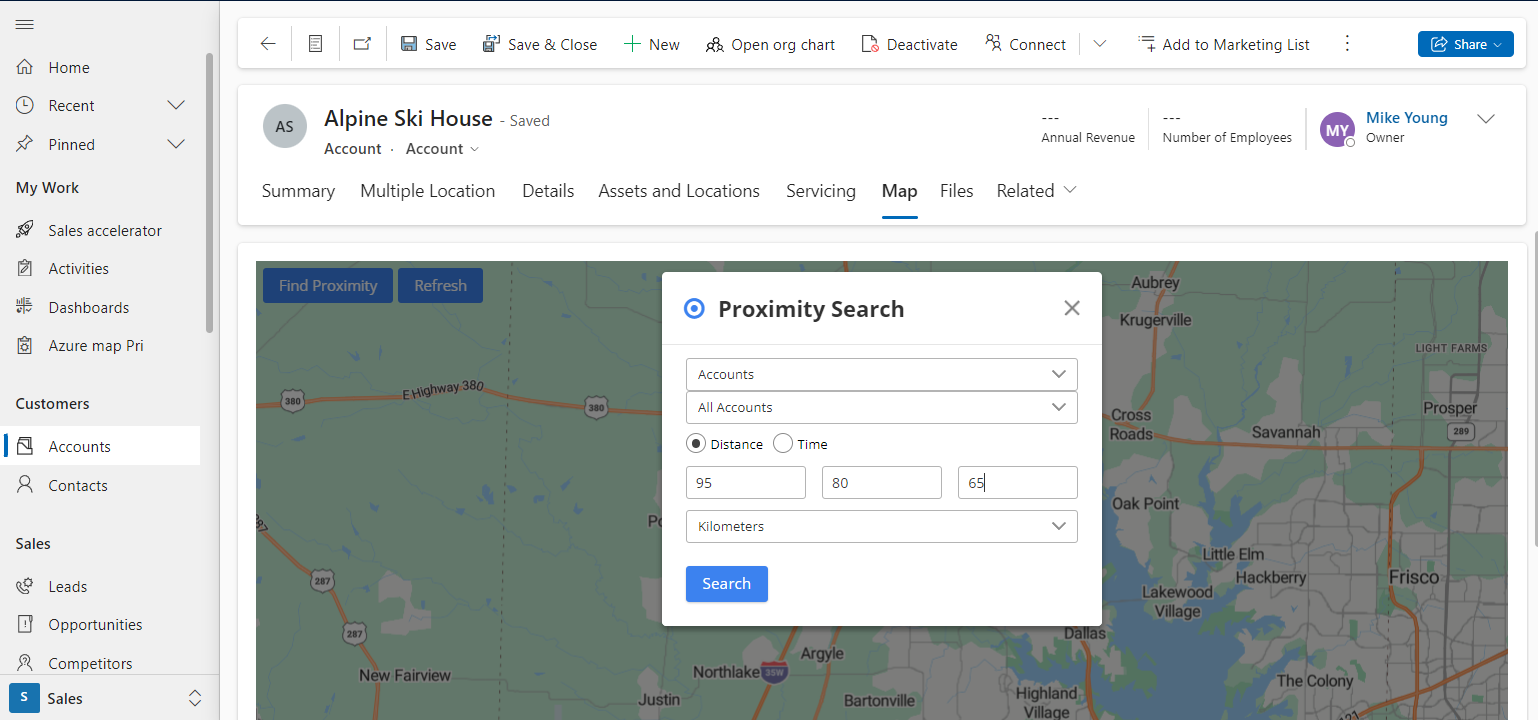
- Select the Entity and its view to find the records that are in the proximity of individual records.
- Choose the distance/time within which you want to perform the search.
- After selecting and entering the proximity search data, click on the Search button. The system will display all the records that fall within the defined proximity.
MappyField 365 provides a concentric proximity search based on distance with three different values.
All product and company names are trademarks™, registered® or copyright© trademarks of their respective holders. Use of them does not imply any affiliation with or endorsement by them.