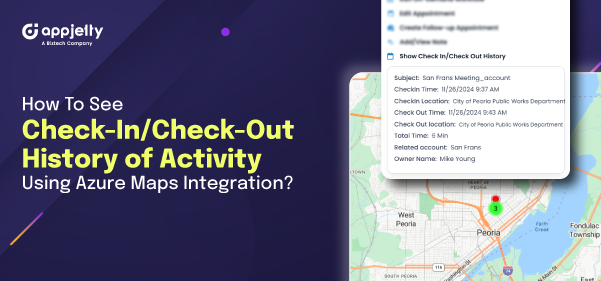
Managing the tasks and appointments for the sales manager can always be challenging. As a sales manager, you should know when and where your team members are meeting with your customers. This information becomes crucial when it comes to achieving sales targets.
Now, let’s see how your sales reps can check in and check out of activities in the Dynamics CRM Field Mapping.
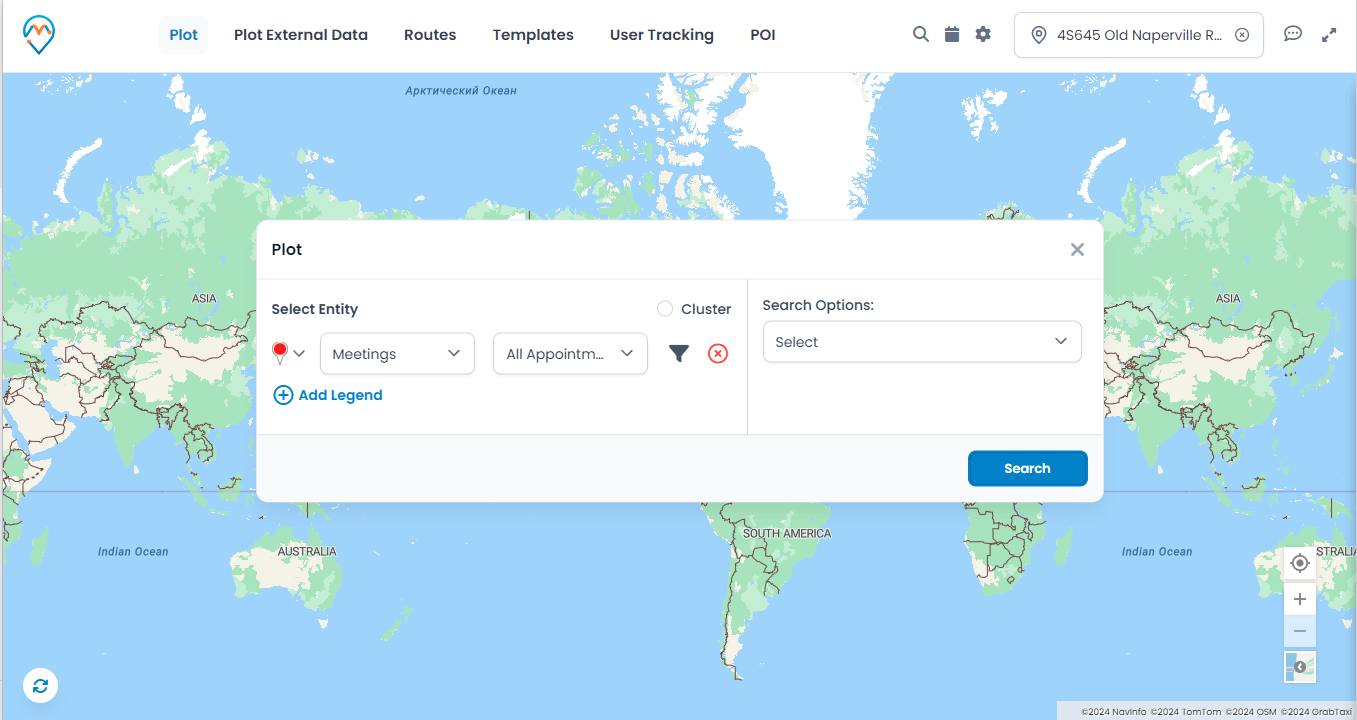
Step 1: Open the map and plot any of the activities for which you want to see the check-in/check-out history. In this case, we have plotted the Appointments Entity and the All Appointments view.
It will plot all the appointments on Map.
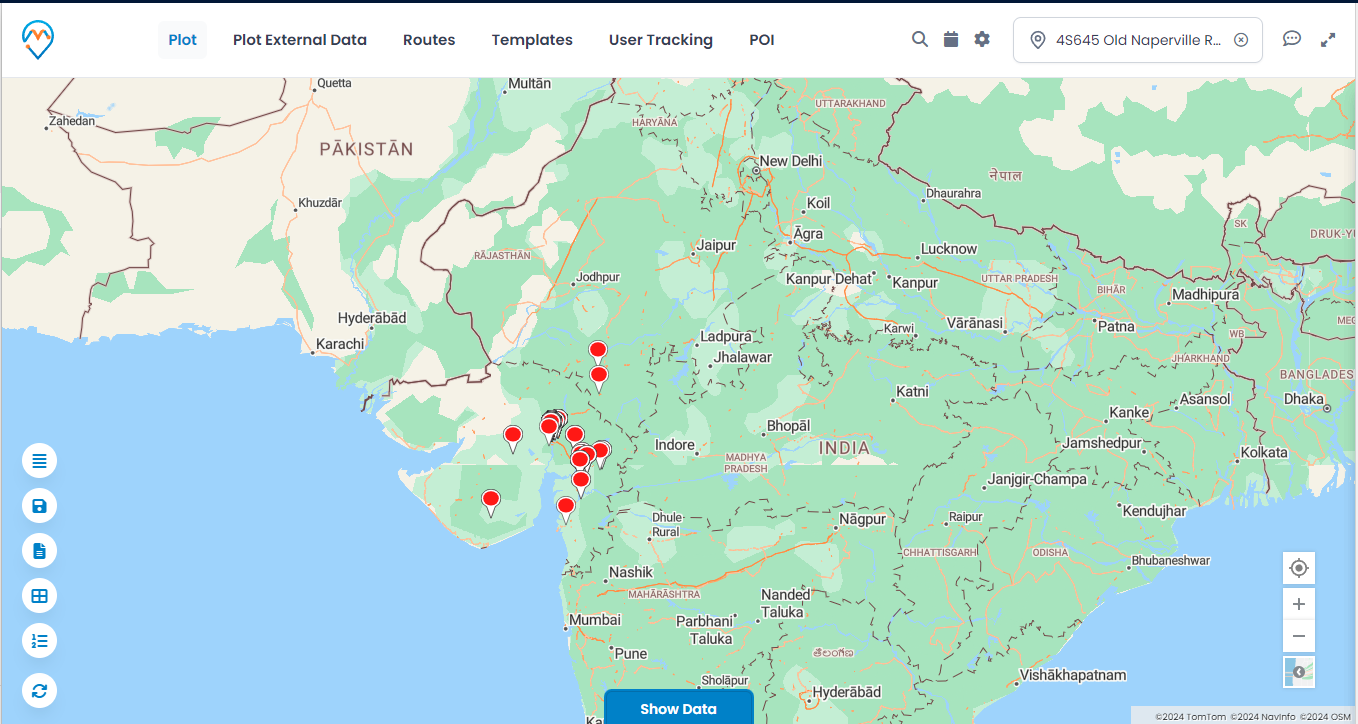
Step 2: Now, click on the appointment for which you want to view the history.
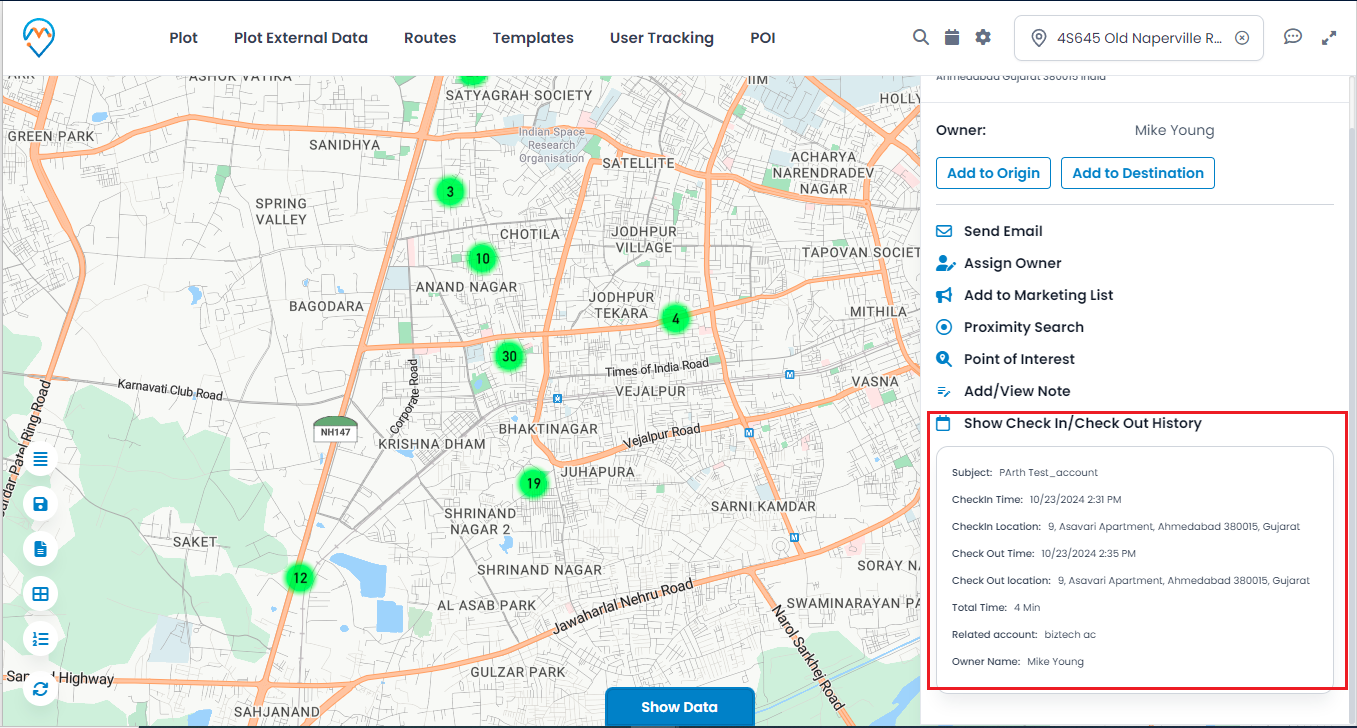
A popup will open on the right side of the map. There will be a label named ‘Show Check-In History.’ Click on the label to view the history. Since this appointment has only performed check-ins, it will show only the check-in history.
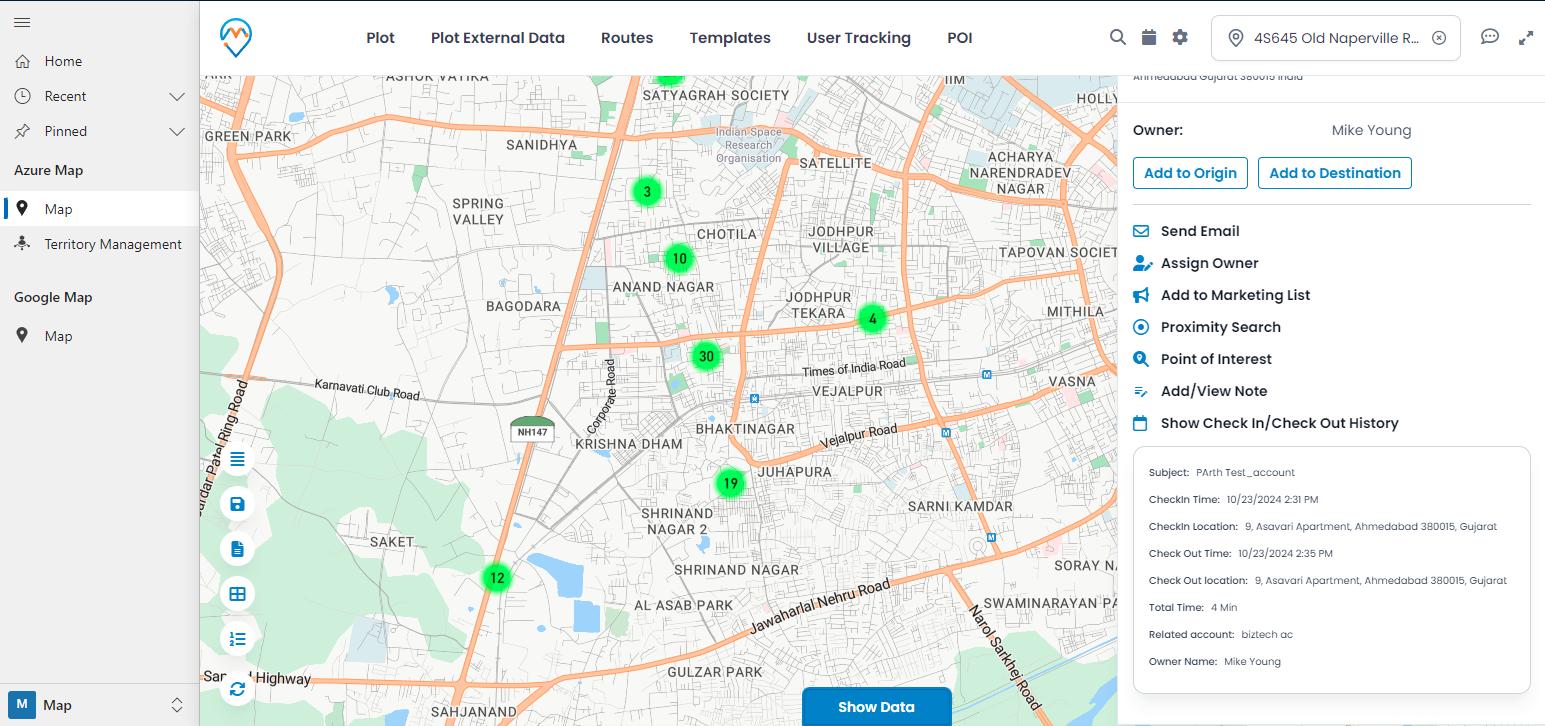
In the above image, we have added an appointment that has already been checked in and checked out. Therefore, it will display all the information related to check-in/check-out:
1. Subject
2. Check-In Time
3. Check-In Location
4. Check-Out Time
5. Check-Out Location
6. Total Time
7. Related Account
8. Owner Name
All the above information is related to the activity.
All product and company names are trademarks™, registered® or copyright© trademarks of their respective holders. Use of them does not imply any affiliation with or endorsement by them.