If you work in sales, you know the hustle: meeting clients constantly, at any time of day, because you never know when a lead might turn into a major deal. Staying connected and accessible to clients is essential to keep the momentum going and ensure that no opportunity slips by—especially when you’re in their area. However, managing multiple client addresses can complicate the process, making it harder to pinpoint where a customer is currently located and potentially costing you valuable time.
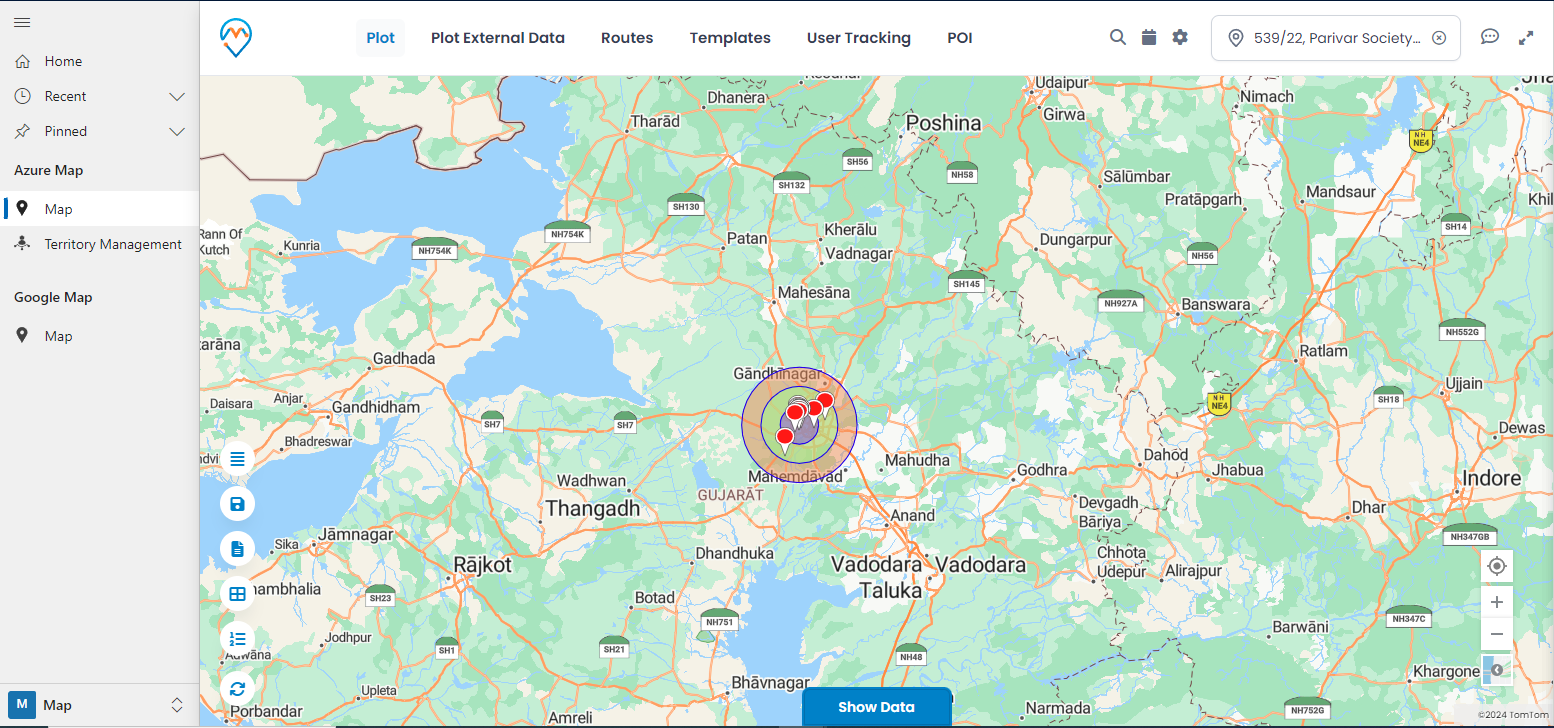
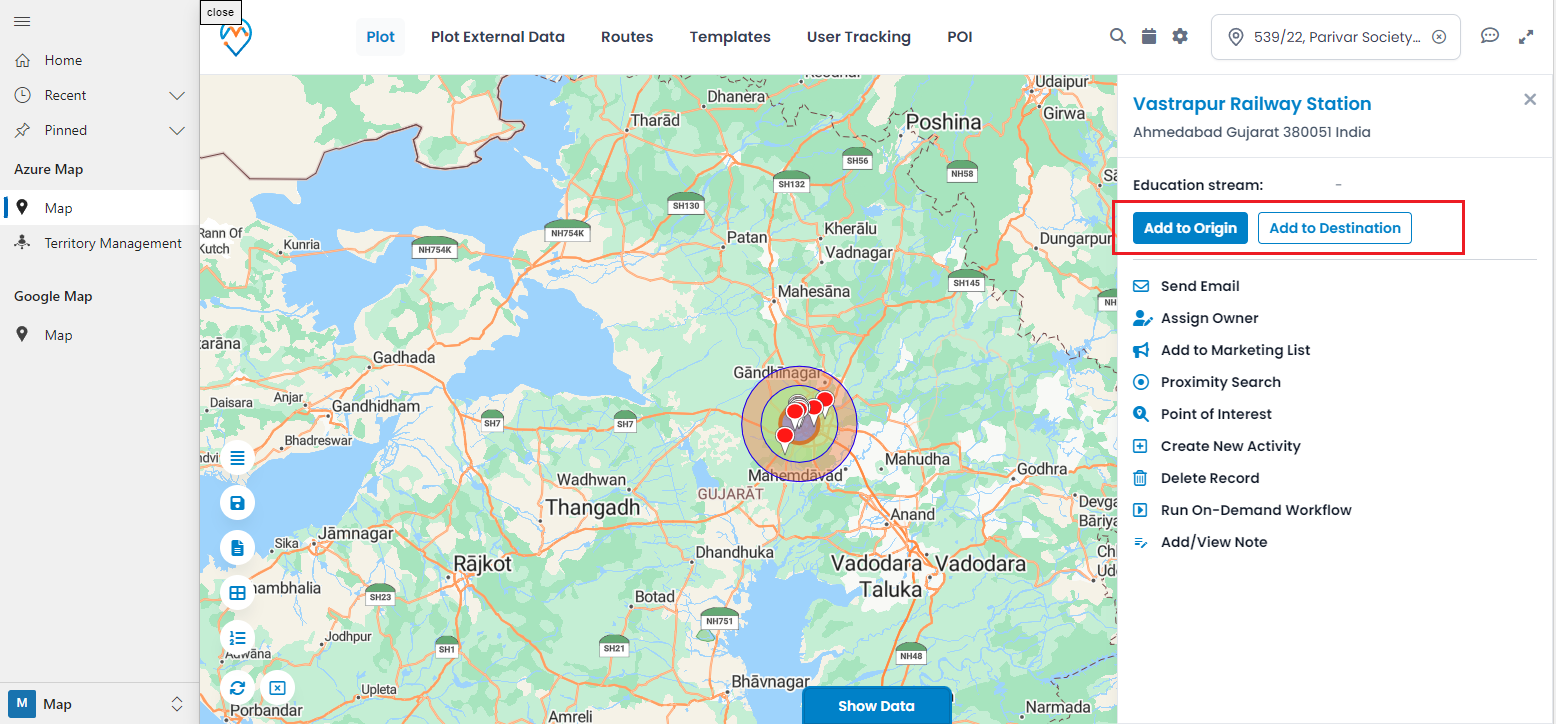
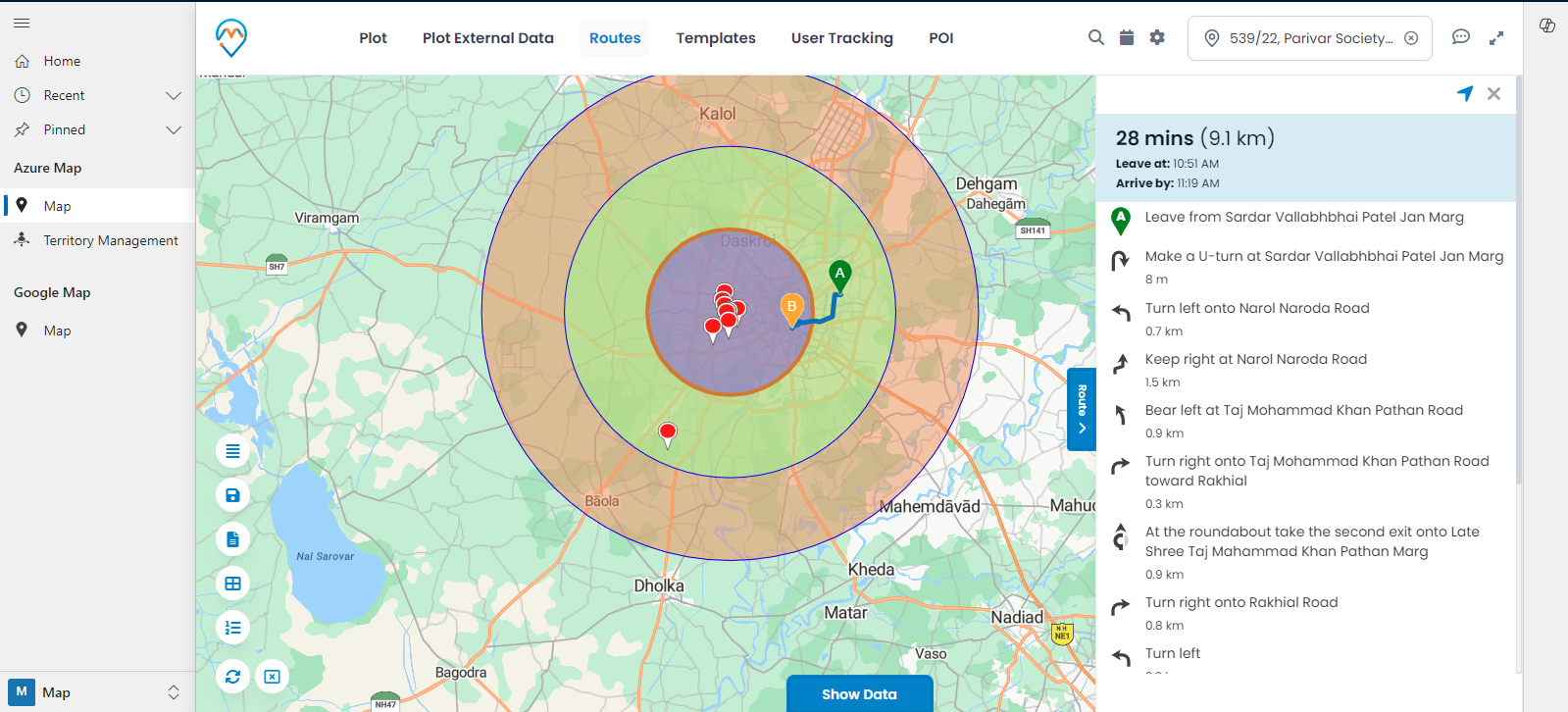
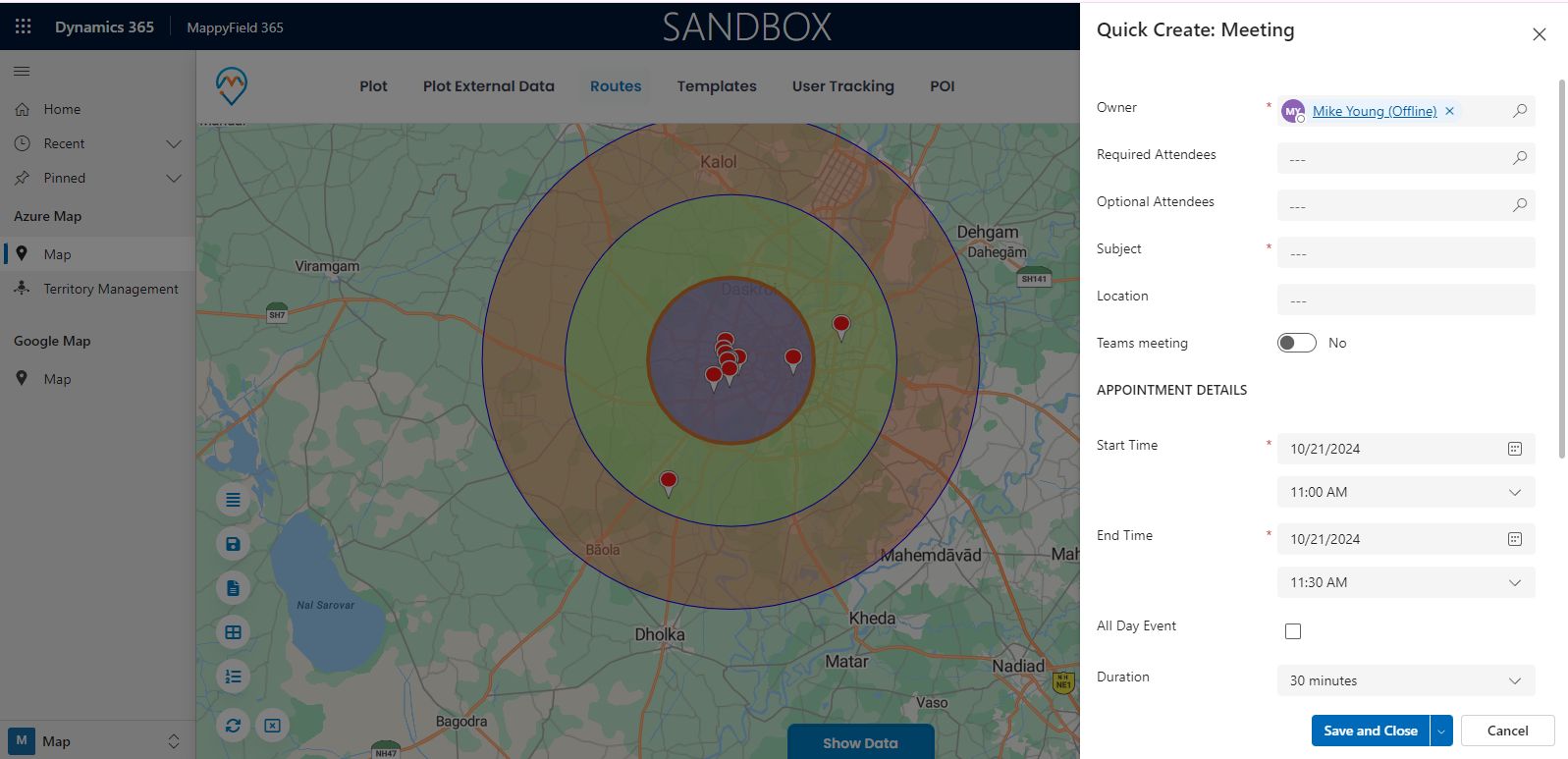
This is where proximity-based searching can be a game-changer. With the ability to focus on clients nearby, you can prioritize your visits, maximizing productivity based on your available time and location. All it takes is logging into Dynamics 365 and accessing a CRM map integration, like Mappyfield. Once you’re set up, make sure to enable your location services, and you’re good to go! A location pin will appear on the map, automatically updating to reflect your current position, so you can quickly find clients nearby and make the most of every moment.
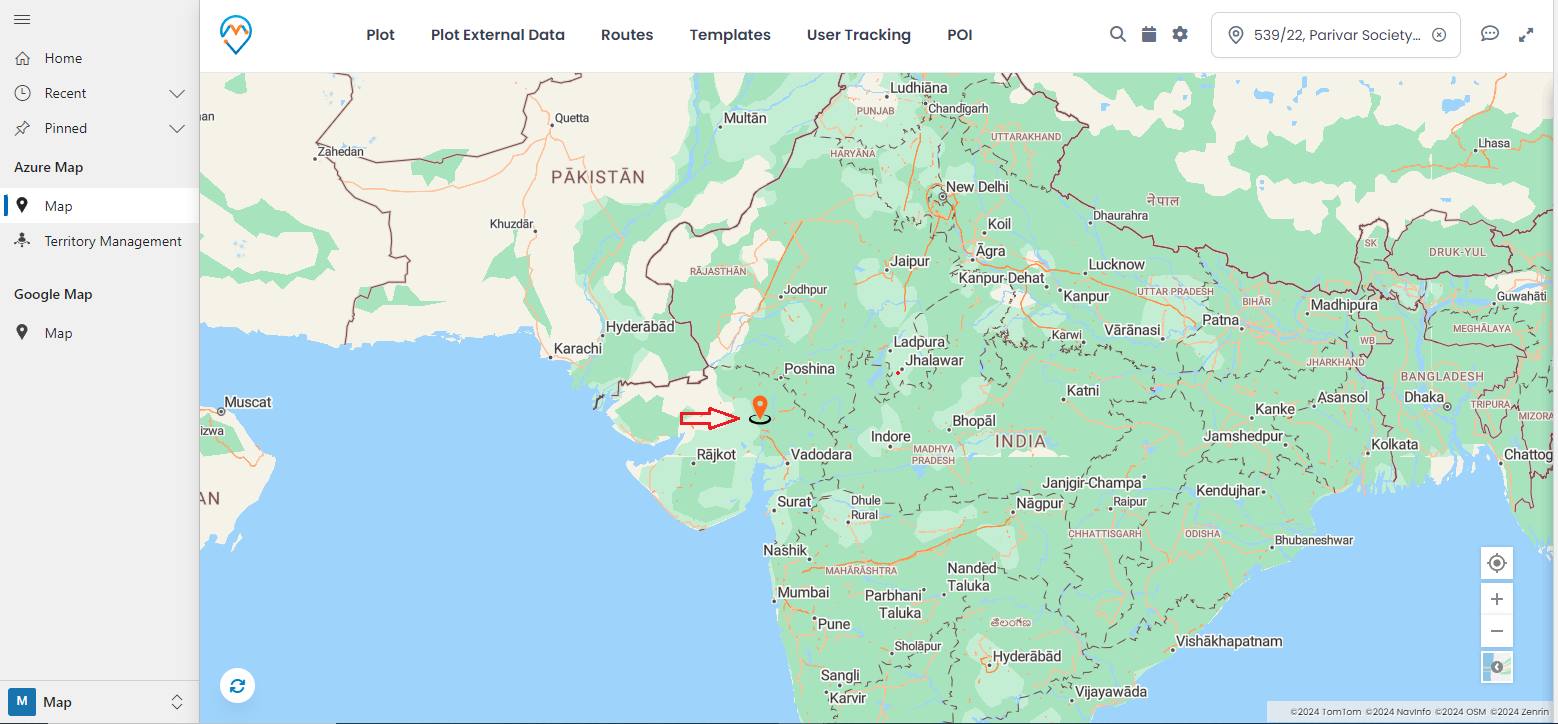
Step 1: Redirect to the “Map” page
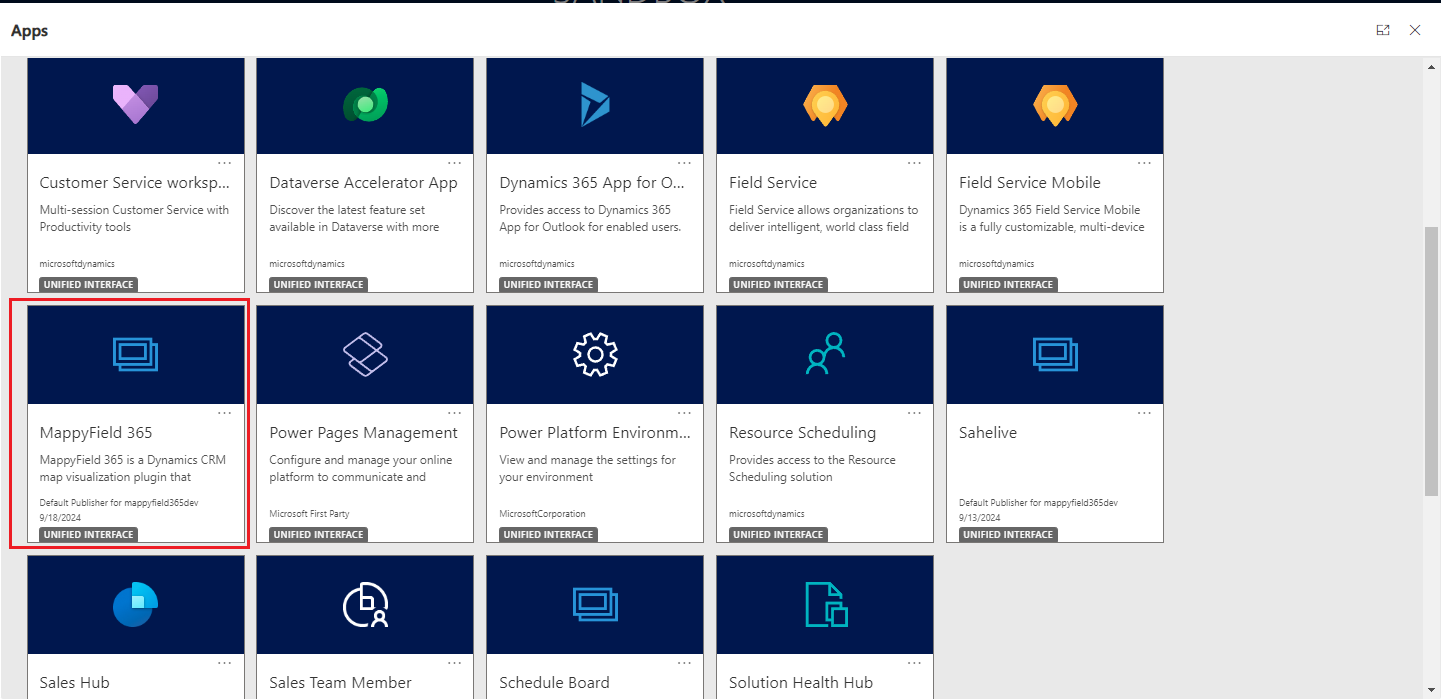
Once you’ve logged into Dynamics 365, select “MappyField 365” from the app’s dashboard.
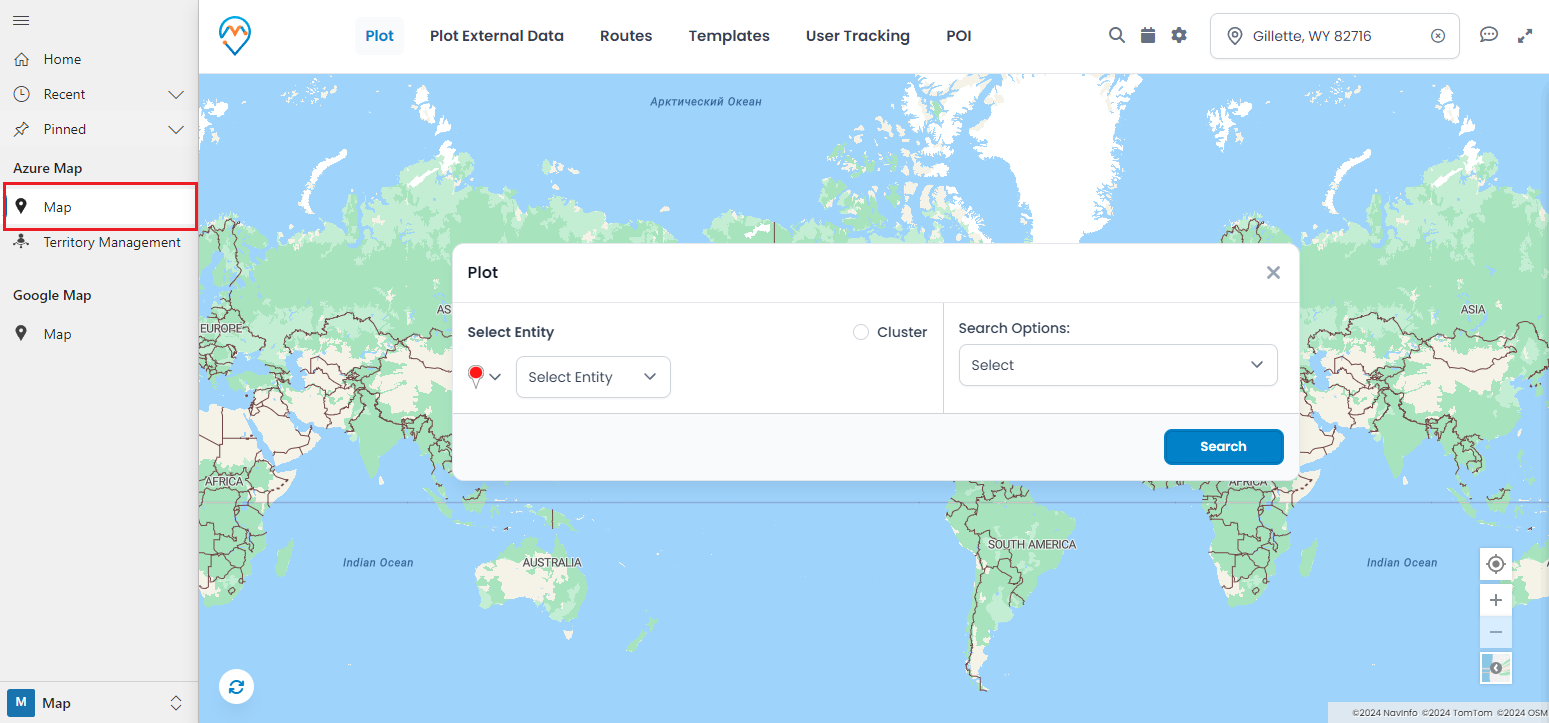
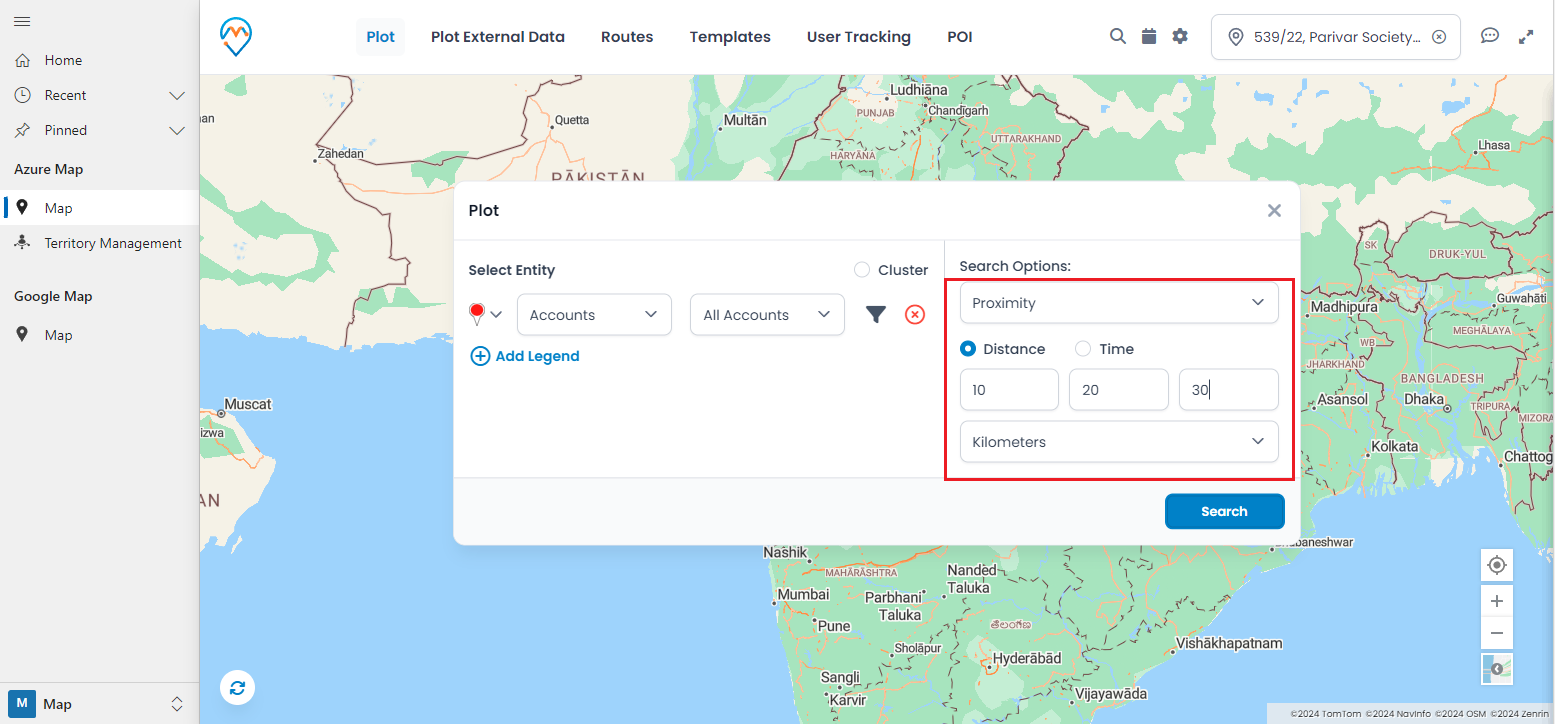
When selecting the Proximity option, you can choose either Distance or Time. Pick the relevant option and input your desired value.